Using Your hp iPAQ h2200 Series
Reference Guide 1–21
DRAFT - Revised 10/16/02
hp CONFIDENTIAL 12/3/02
File: ch1-UsingtheH2200.fm PN: 293146-001
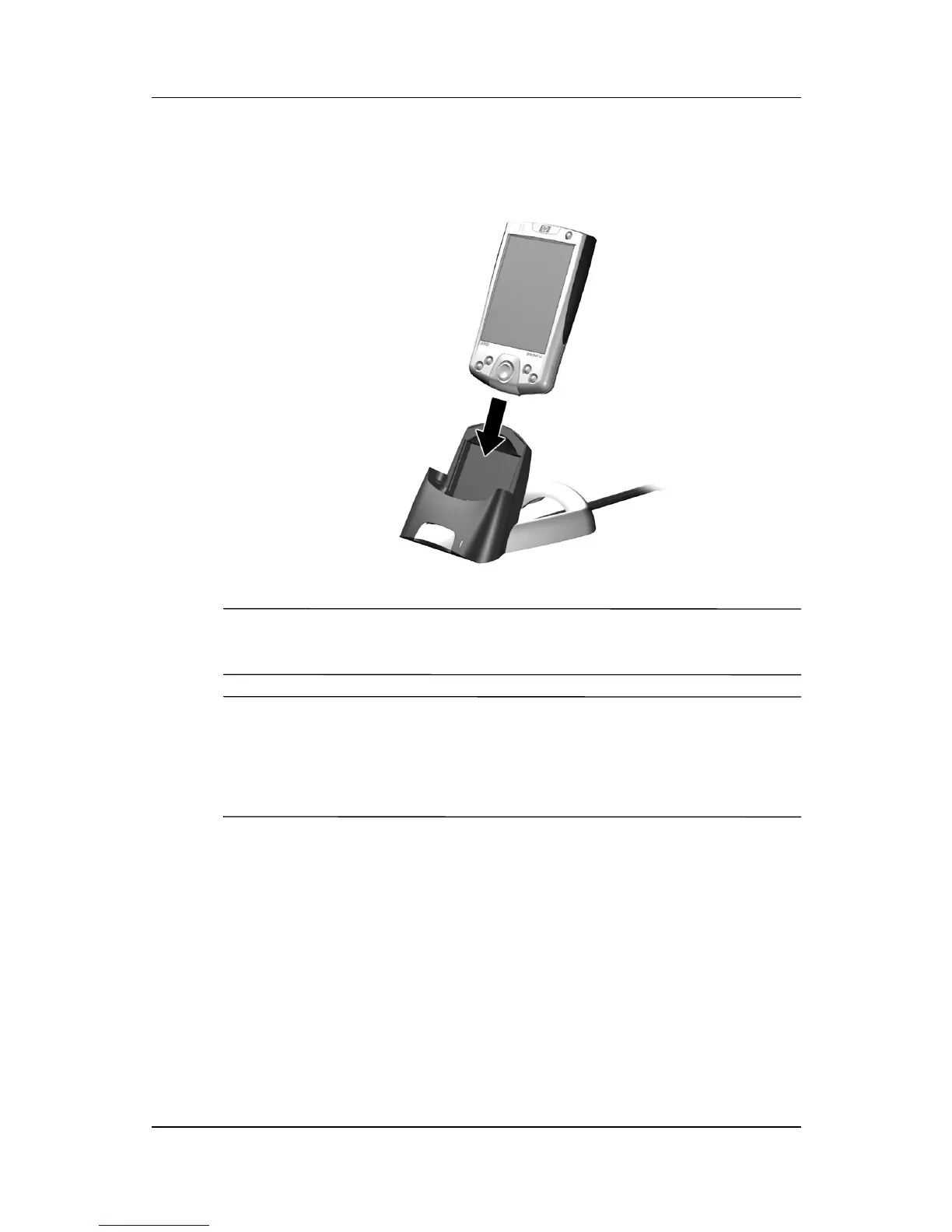
2. Slide the bottom of your iPAQ h2200 Series into the cradle
and push firmly to seat it.
✎
The amber charge light blinks while the battery is recharging, and
turns solid (nonblinking) when the battery is fully charged.
✎
To charge an optional battery pack at the same time as the h2200,
insert the battery pack into the cradle first, then insert the h2200
Series on top of the battery pack. It may take longer to charge the
h2200 than if it is recharged separately.
Changing the Battery
If the main battery for your Pocket PC is removed, your device
will not operate even if you try to use AC power. However, the
Pocket PC has a small bridge battery which allows you to change



 To Next Page
 Loading...








