Using Your hp iPAQ h2200 Series
Reference Guide 1–13
DRAFT - Revised 10/16/02
hp CONFIDENTIAL 12/3/02
File: ch1-UsingtheH2200.fm PN: 293146-001
Realigning the Screen
When turning on the iPAQ h2200 Series for the first time, you are
guided through a screen alignment process. You must realign
your screen if:
■ The iPAQ h2200 Series does not respond accurately to your
taps
■ You perform a restore following a data backup
■ You perform a full reset of your iPAQ h2200 Series by
pressing the application buttons and the Reset button on the
back of the unit
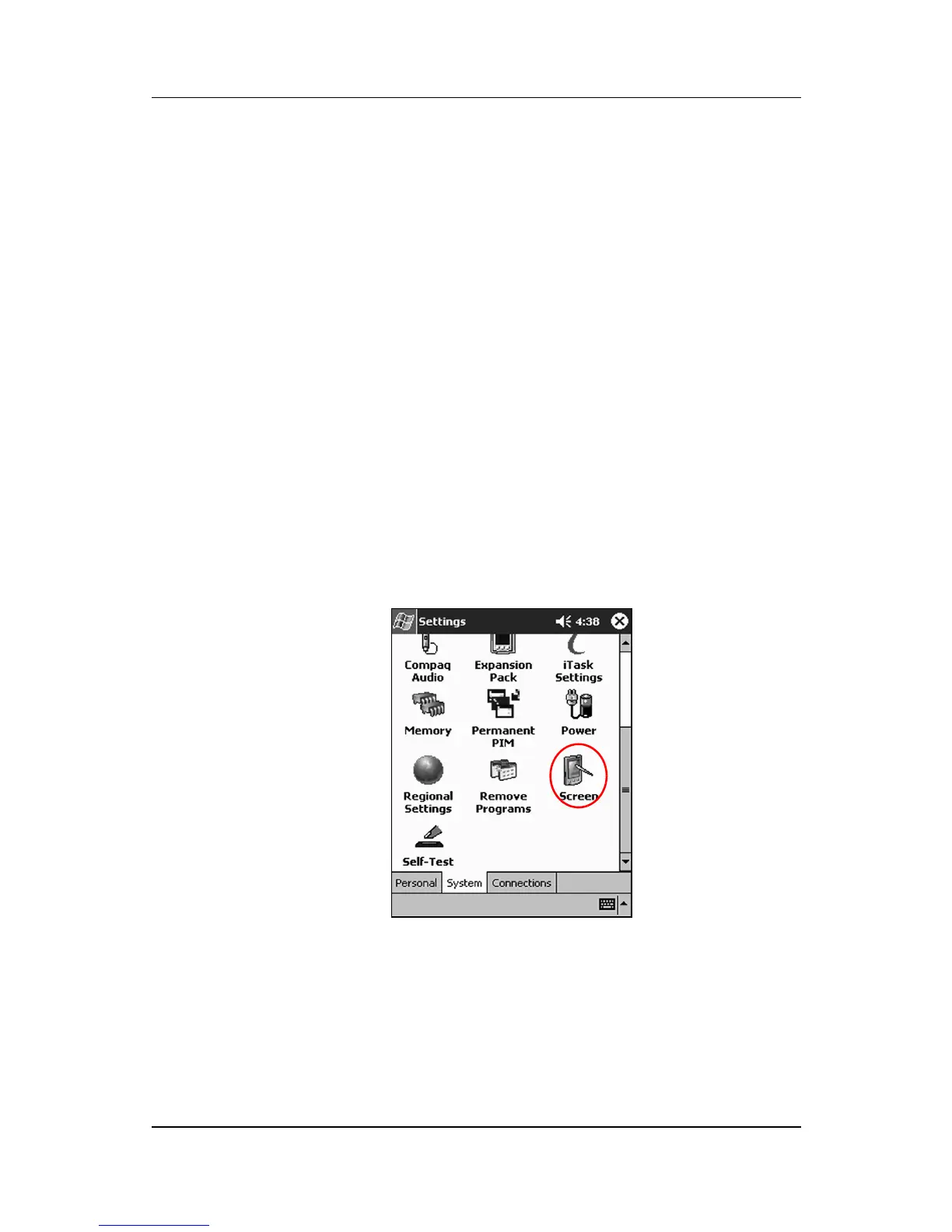
To realign the h2200 Series screen:
SHORTCUT: IS THERE ONE?
1. From the Start menu, tap Settings > System tab > Screen
icon.



 To Next Page
 Loading...








