Troubleshooting Guide 8
Finding Information
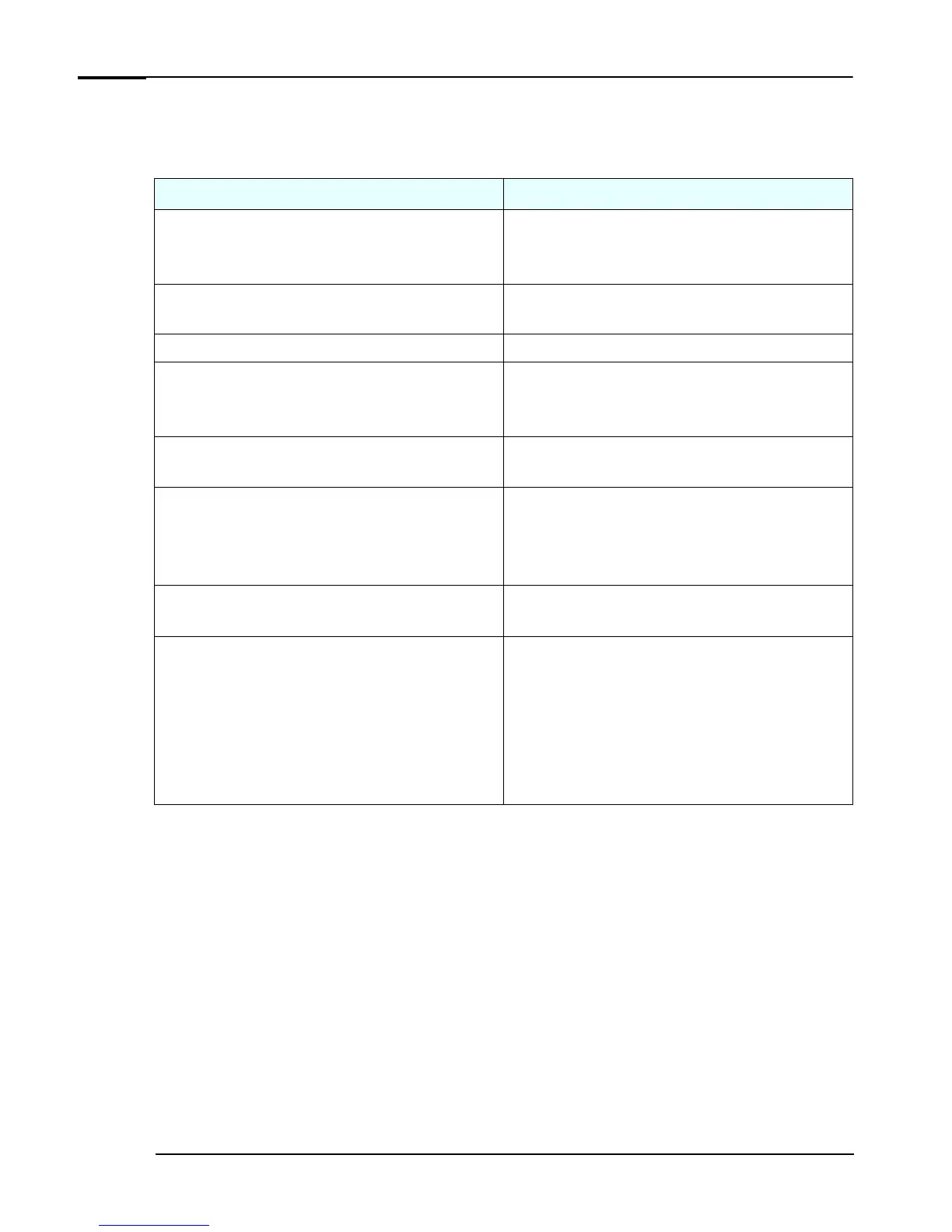
Use the following table to determine where to locate particular types of information:
Type of Information Location
•
Support phone numbers
•
Technical support contact information
•
Warranty information
Quick User’s Guide
•
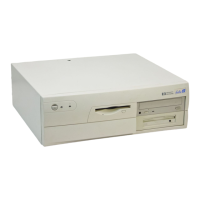
How to set up your computer
Quick Start Card (details)
Quick User’s Guide (general information)
•
Operation of your computer
Operating system and application manuals
•
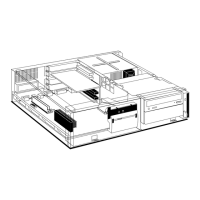
Diagrams and detailed instructions on installing add-on devices
•
Internal wire connections for adding hard drives, CD-ROM, etc.
•
Memory expansion and replacing devices
Upgrade Guide (when provided)
•
LAN configuration
•
LAN controller
Technical Reference Manual
•
Identifying the problem
•
Information on errors
•
Problem solving
•
Troubleshooting
Troubleshooting Guide
•
Parts list
•
Accessories list
Service Handbook Chapter
•
BIOS
•
Connectors
•
IRQ
•
POST setup
•
Specifications
•
System board layout
•
Technical diagrams
Technical Reference Manual





 To Next Page