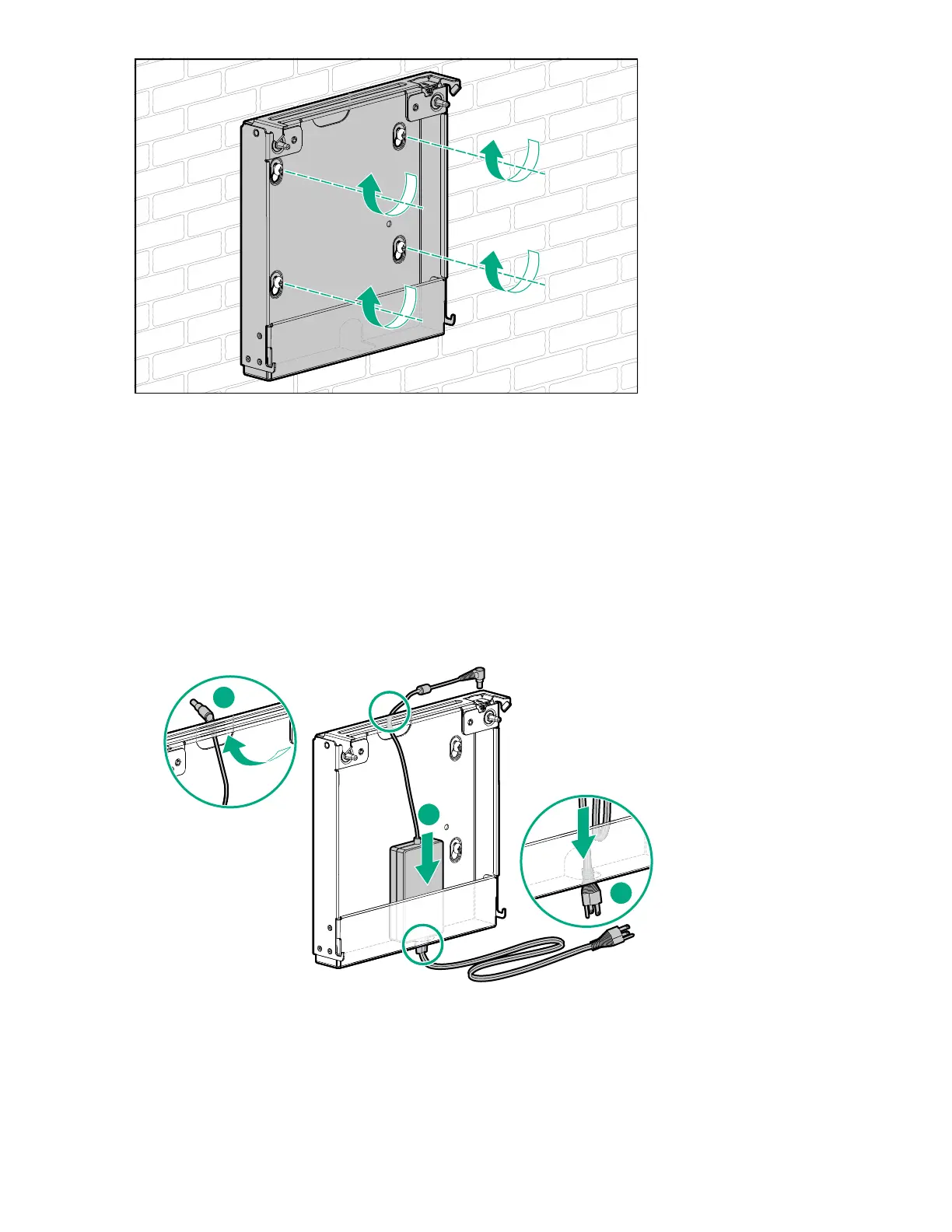
Install the server in the wall mount
About this task
Procedure
1. If the power source location is lower than the wall mount, do the following to position the power adapter
inside the wall mount:
a. Route the power cord through the bottom opening of the wall mount.
b. Place the power adapter inside the wall mount.
c. Route the adapter cord through the top opening of the wall mount with the grommet extended out of the
opening.
2. If the power source location is higher than the wall mount, do the following to position the power adapter
inside the wall mount:
a. Place the power adapter inside the wall mount.
b. Route the power and adapter cords through the top opening of the wall mount, with the adapter cord
grommet extended out of the opening.
44 Install the server in the wall mount










 To Next Page