MINIKEY User Manual Edit the message
Page 38 of 66 HSA SYSTEMS
Edit the message
This section details how to edit your
layout (objects and content) to change
properties in an existing message.
Edit object properties
Use this method to edit existing content based on a list of object names. An alternative and
perhaps simpler method is to select the object from the preview screen (red border) then select
object properties icon.
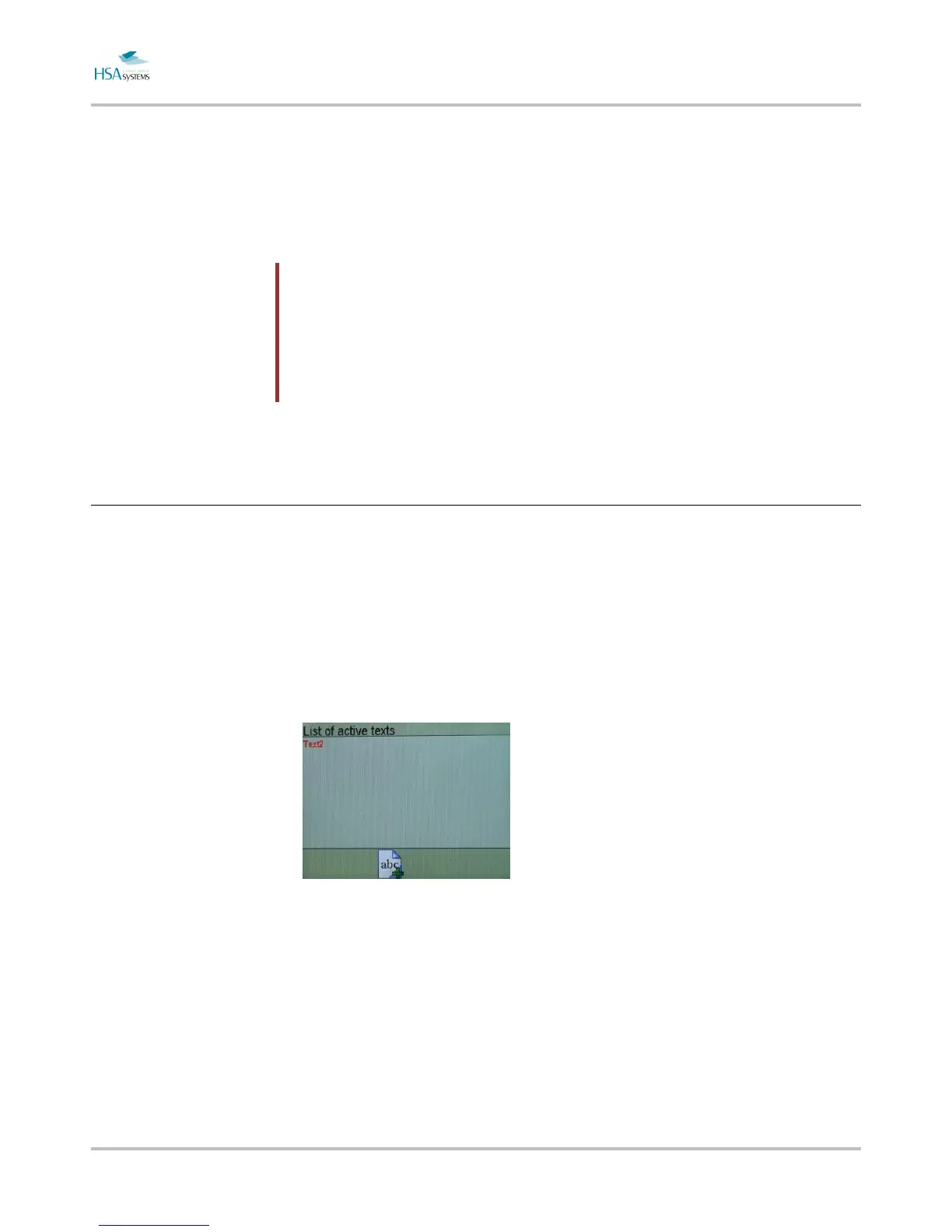
Press the TEXT button
Select a text from the list of active text objects.
Make the required changes. Parameters are described above.


 To Next Page
 Loading...