MINIKEY User Manual Change print settings
Page 48 of 66 HSA SYSTEMS
How to purge the pens
Purge and spit are used as maintenance tools to keep the ink from clogging the
nozzle rows. Spit is firing of all channels, controlled by a timer. Purge is a constant
firing of all channels for as long as function is activated.
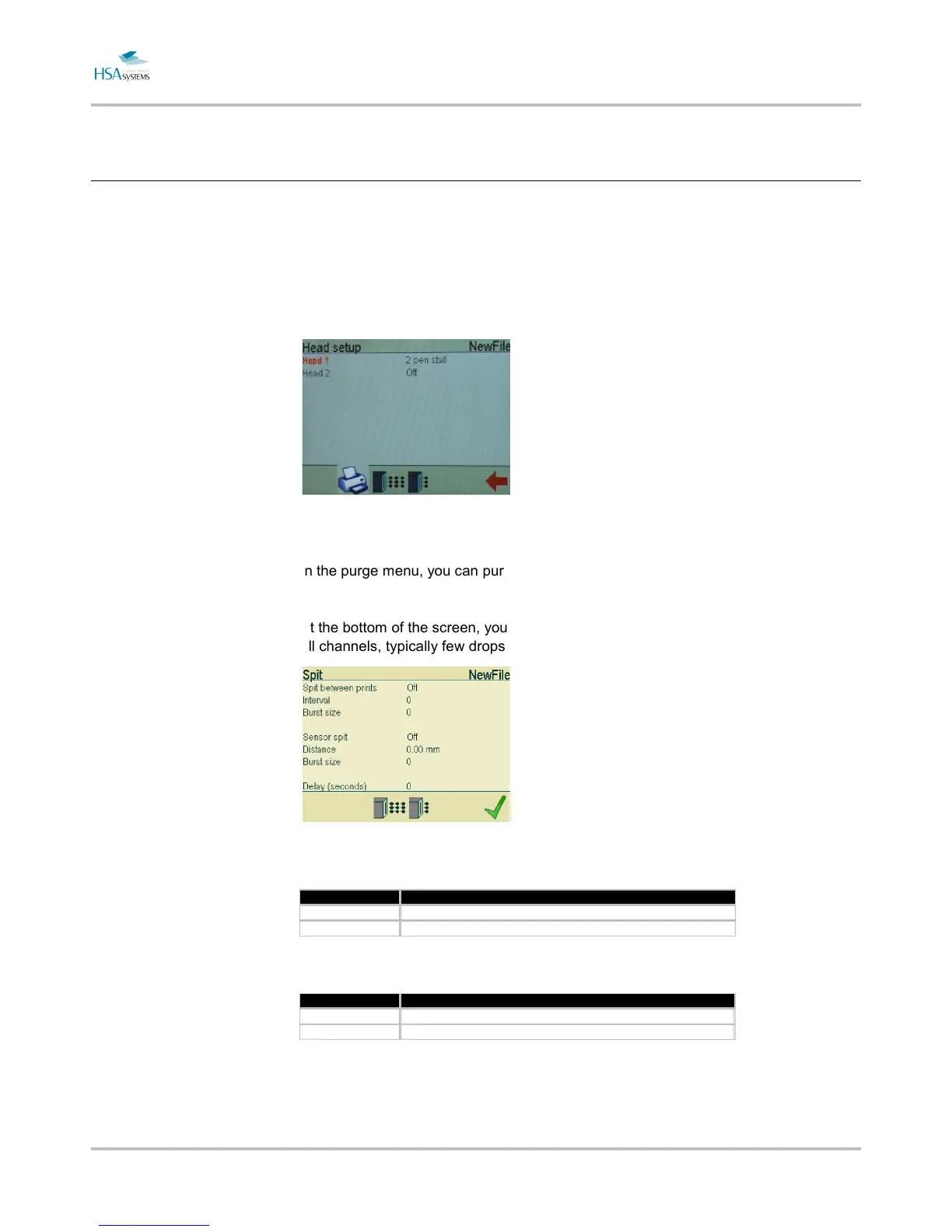
Select purge/spit in the head setup menu.
In the purge menu, you can purge each head in your head(s).
At the bottom of the screen, you can enter the spit settings menu. Spit is short firing of
all channels, typically few drops per channel very fixed period of time.
Select spit between prints to fire a few nozzles between each print.
Property Description
Interval Number of seconds between each spit.
Burst size Number of times each nozzle fires.
Select sensor spit to spit every time the photocell is triggered.
Property Description
Distance How far from the photocell you want the spit.
Burst size Number of times each nozzle fires.
The delay is the number of seconds from one spit to the next. If the sensor is triggered
more frequently, the nozzles will not fire. For instance, with a 2 second delay, the
system will never spit with less than two seconds between prints.


 To Next Page
 Loading...