NOTE
l When you import a modified .csv contact file to the phone as a new one, ensure that the contact file
information is correct and the encoding format is UTF-8.
For example, you can open the .CSV file using Excel, change the cell format to the text format, edit
the contact information, and save the file in the .CSV (Comma delimited) format. After the file is
saved, open the file in Notepad and change the file encoding format to UTF-8.
l This function involves personal data. When using this function, take sufficient measures to protect
personal data.
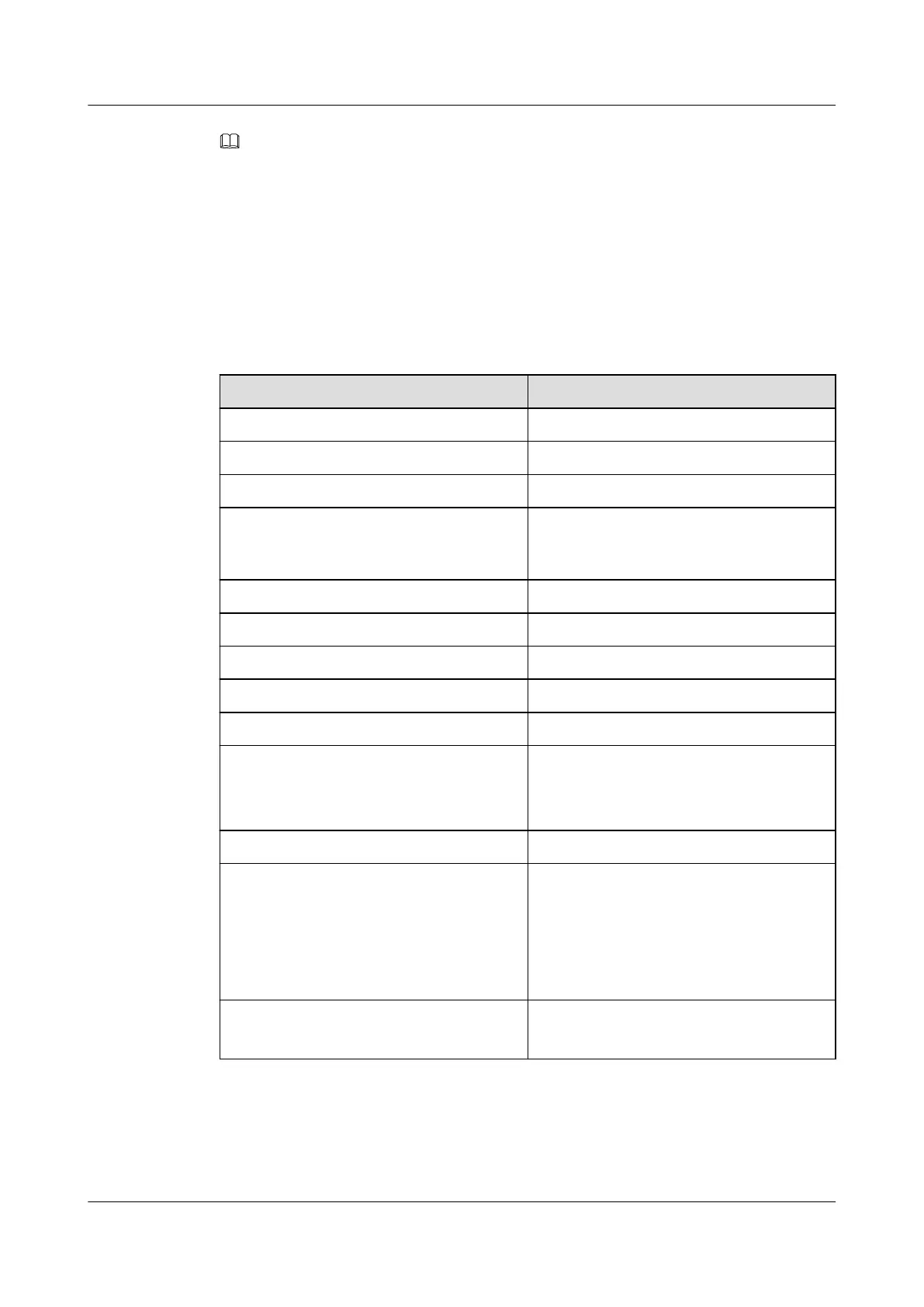
Table 5-2 lists the parameters in a contact file in .CSV format.
Table 5-2 Parameter description
Parameter
Description
NAME Name
NICKNAME Nickname
UCACCOUNT Account
USERURI Enterprise domain name (identifying the
information about the domain to which the
user belongs).
COMPANY Company
DEPARTMENT Department
POSITION Position
ID Employee ID
RING Ringtone
ADDRTYPE Address book type:
l 0: local address book
l 1: directory
GROUP Group
DEFAULTNUM Default primary number:
l 0: office number
l 1: home number
l 2: mobile number
l 3: soft client number
CONTYPE Contact method type.
The default value is 1.
eSpace 7910&7950 IP Phone
User Guide
5 Web Page Settings
Issue 03 (2017-06-30) Huawei Proprietary and Confidential
Copyright © Huawei Technologies Co., Ltd.
46



 To Next Page