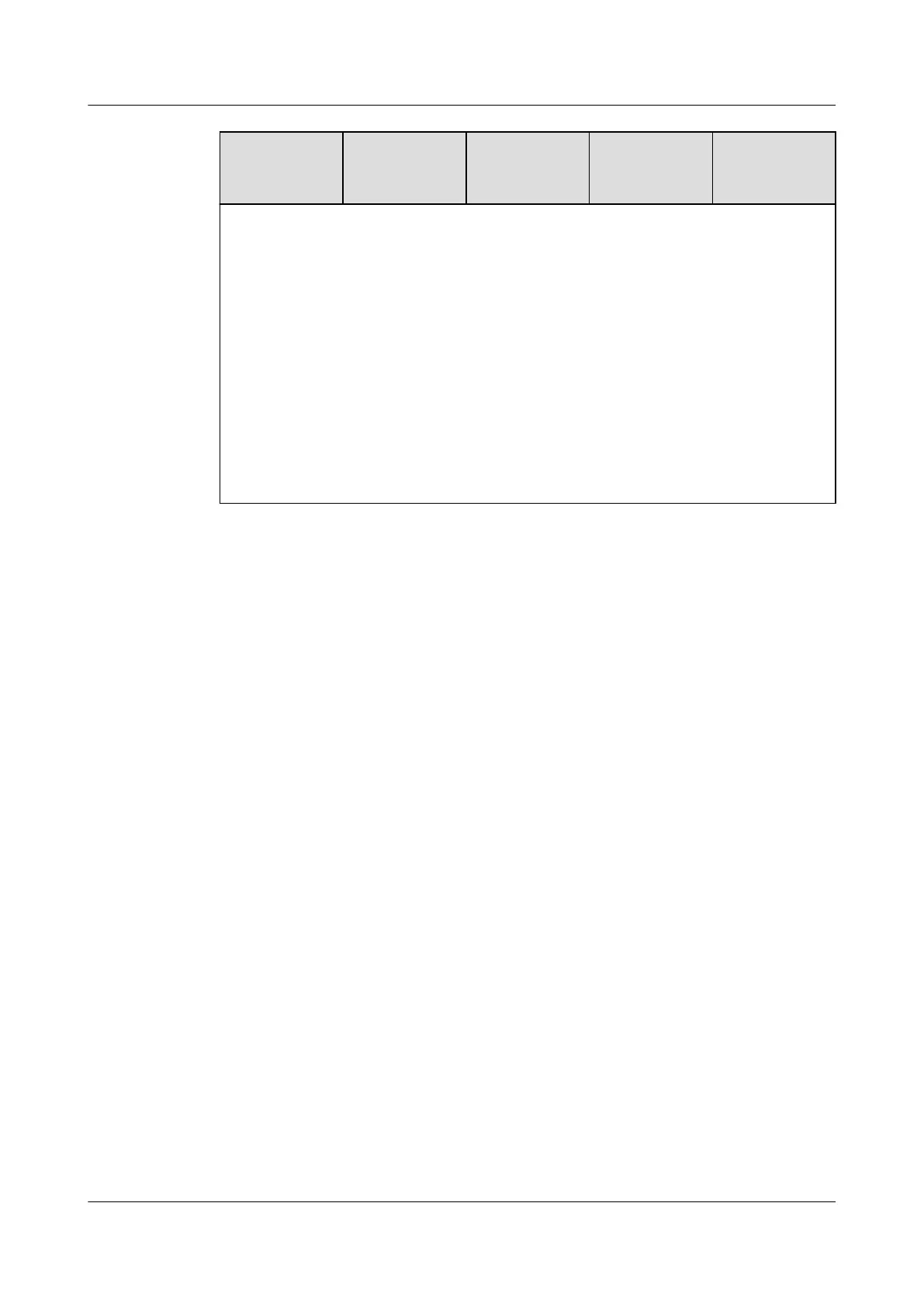
Conguratio
n
Maximum
Front Drives
Maximum
Rear Drives
Maximum
Built-in
Drives
Drive
Management
Mode
● a: If NVMe drives are installed in rear slots (slots 32 to 35), I/O module 1
must be installed with an NVMe adapter instead of drives.
● b: SAS/SATA drives can be installed in I/O module 3 only when an SR760-M
(Broadcom SAS3416) RAID controller card is congured.
● c: If built-in drives are congured, NVMe drives cannot be installed in rear
slots (slots 32 to 35).
● d: Built-in drives can be used only when an SR760-M (Broadcom SAS3416)
RAID controller card is
congured.
● e: The front drives and drives in I/O module 2 are managed by one RAID
controller card, and the rear drives are managed by another RAID controller
card.
● Contact your local Huawei sales representative or use the Computing
Product Compatibility Checker to determine the components to be used.
5.5.2 Drive Numbering
● Single-RAID
conguration
Huawei FusionServer Pro 5288 V5 Server
Technical White Paper 5 Hardware Description
Issue 10 (2020-12-15) Copyright © Huawei Technologies Co., Ltd. 37







 To Next Page