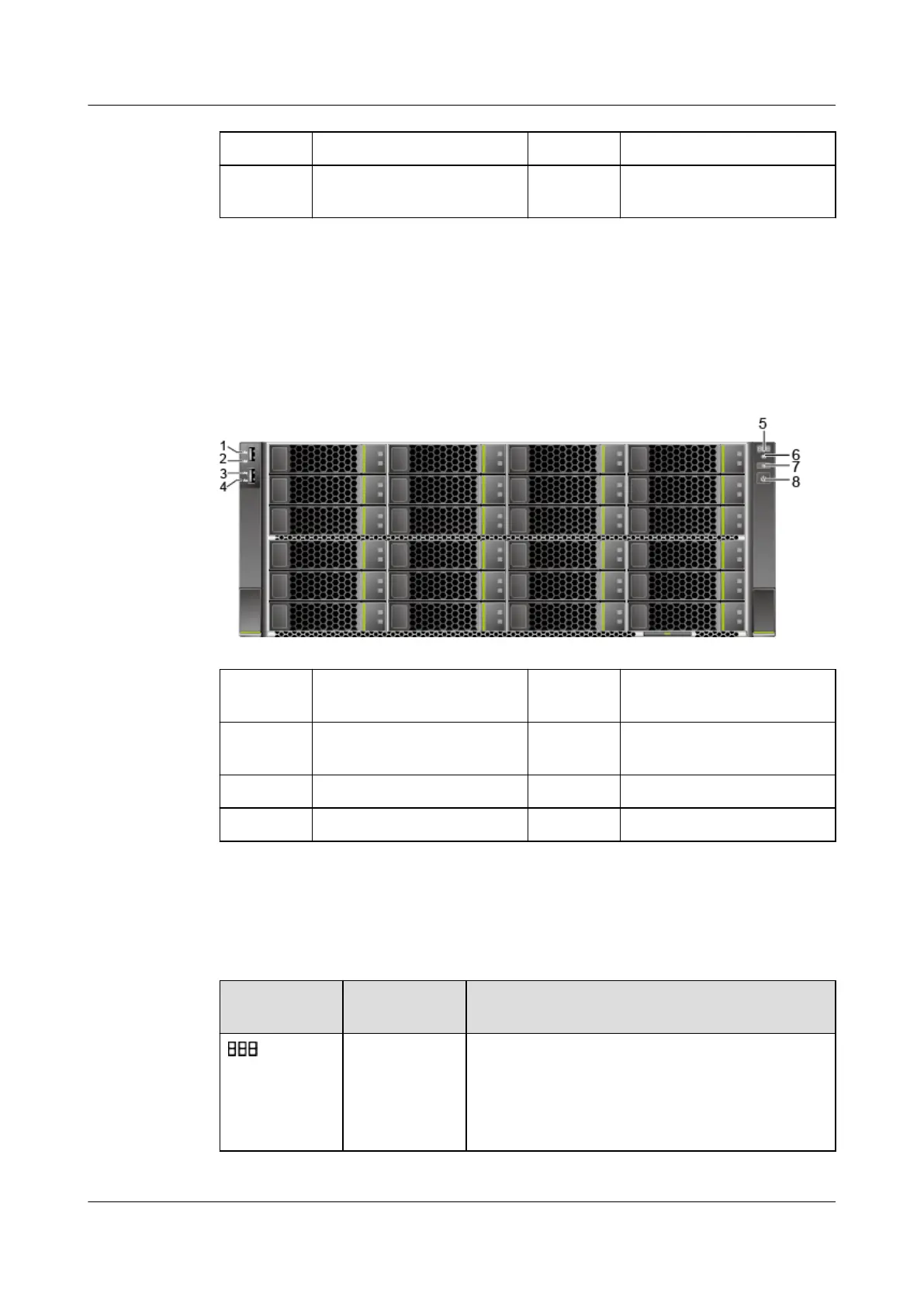
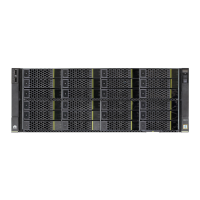
1 Left mounting ear 2 Drives
3 Slide-out label plate (with
an SN label)
4 Right mounting ear
5.1.2 Indicators and Buttons
Positions
Figure 5-2 Indicators and buttons on the front panel
1 LOM port 1 connection
status indicator
2 LOM port 2 connection
status indicator
3 LOM port 3 connection
status indicator
4 LOM port 4 connection
status indicator
5 Fault diagnosis LED 6 Health status indicator
7 UID button/indicator 8 Power button/indicator
Indicator and Button Description
Table 5-1 Indicators and buttons on the front panel
Silkscreen
Indicator/
Button
Description
Fault
diagnosis LED
● ---: The device is operating normally.
● Fault code: A component is faulty.
For details about error codes, see
FusionServer Pro Rack Server iBMC Alarm
Handling.
Huawei FusionServer Pro 5288 V5 Server
Technical White Paper 5 Hardware Description
Issue 10 (2020-12-15) Copyright © Huawei Technologies Co., Ltd. 11







 To Next Page