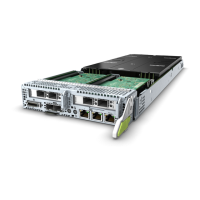
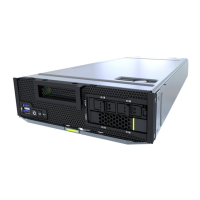
Figure 3-3 Positions and slot numbers of the CH121 V5 compute nodes
Step 2 Power off the compute node.
For details, see 3.1 Power-Off Procedure.
Step 3 Remove the compute node.
l When removing a device, wear protective gloves to avoid burns.
l To prevent device damage or personal injury, hold the bottom of the device with both
hands when removing it.
1. Press the ejector release button on the compute node. See (1) in Figure 3-4.
2. Fully open the ejector lever. See (2) in Figure 3-4.
3. Holding the ejector lever, pull the compute node out of the chassis horizontally. See (3)
in Figure 3-4.
4. Close the ejector lever. See (4) in Figure 3-4.
FusionServer Pro CH121 V5 Compute Node
User Guide
3 Basic Operations
Issue 06 (2019-08-10) Copyright © Huawei Technologies Co., Ltd. 29






 To Next Page