Huawei Mate7 Smartphone
FAQs 3 System settings and update
Issue 01 (2014-09-04) Huawei
Proprietary and Confidential
Copyright © Huawei Technologies Co., Ltd.
12
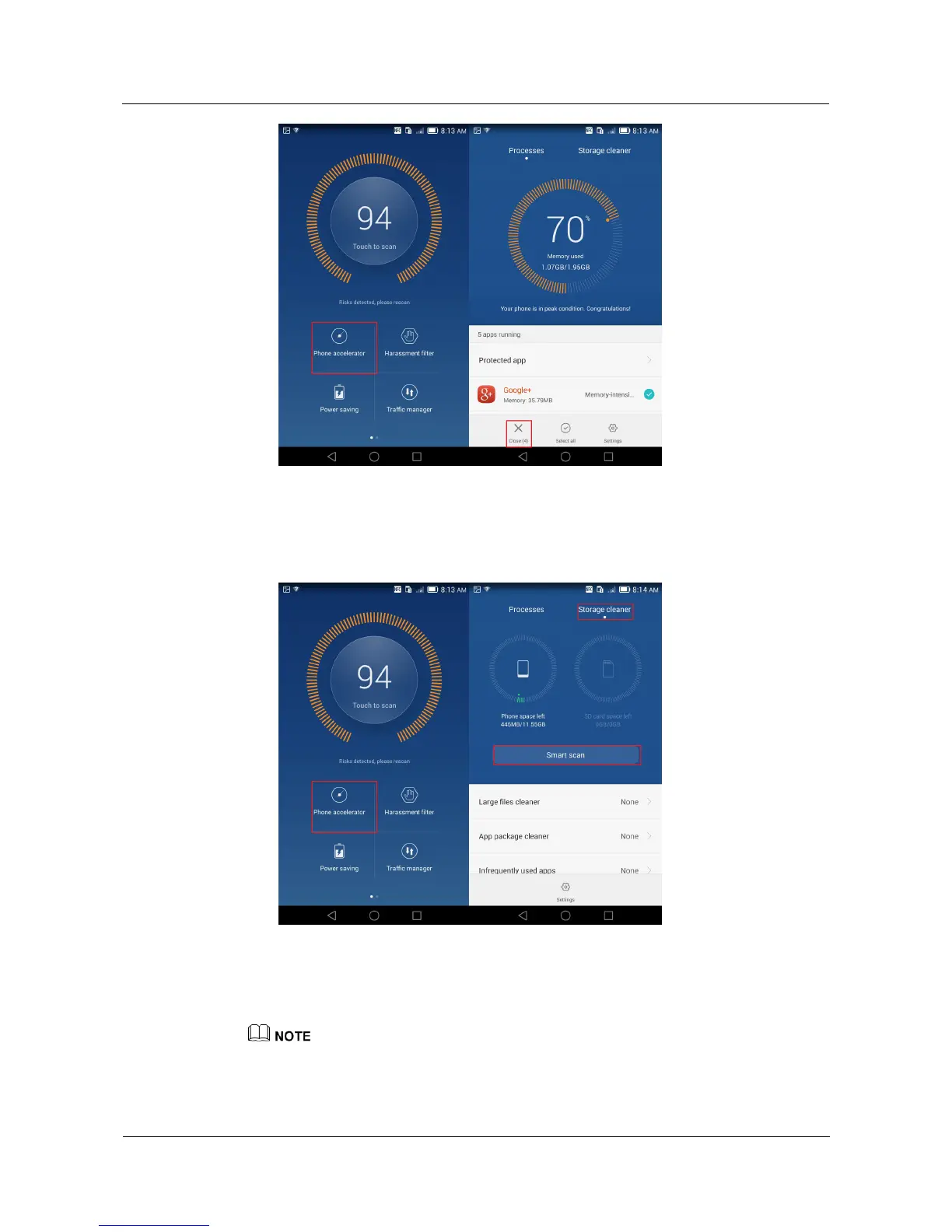
On the Phone Manager screen, touch Phone accelerator > Storage cleaner > Smart
scan, and follow the onscreen instructions to perform a smart scan, and clear the
application cache, system trash files, applications you no longer need and their
installation packages, and large files, such as videos and compressed packages.
Restart your phone.
If the problem persists, back up important data and restore your phone to its factory settings.
The figures are for your reference only. The actual screens may vary.



 To Next Page