Huawei Mate7 Smartphone
FAQs 4 Network and data transmission
Issue 01 (2014-09-04) Huawei
Proprietary and Confidential
Copyright © Huawei Technologies Co., Ltd.
20
The figures are for your reference only. The actual screens may vary.
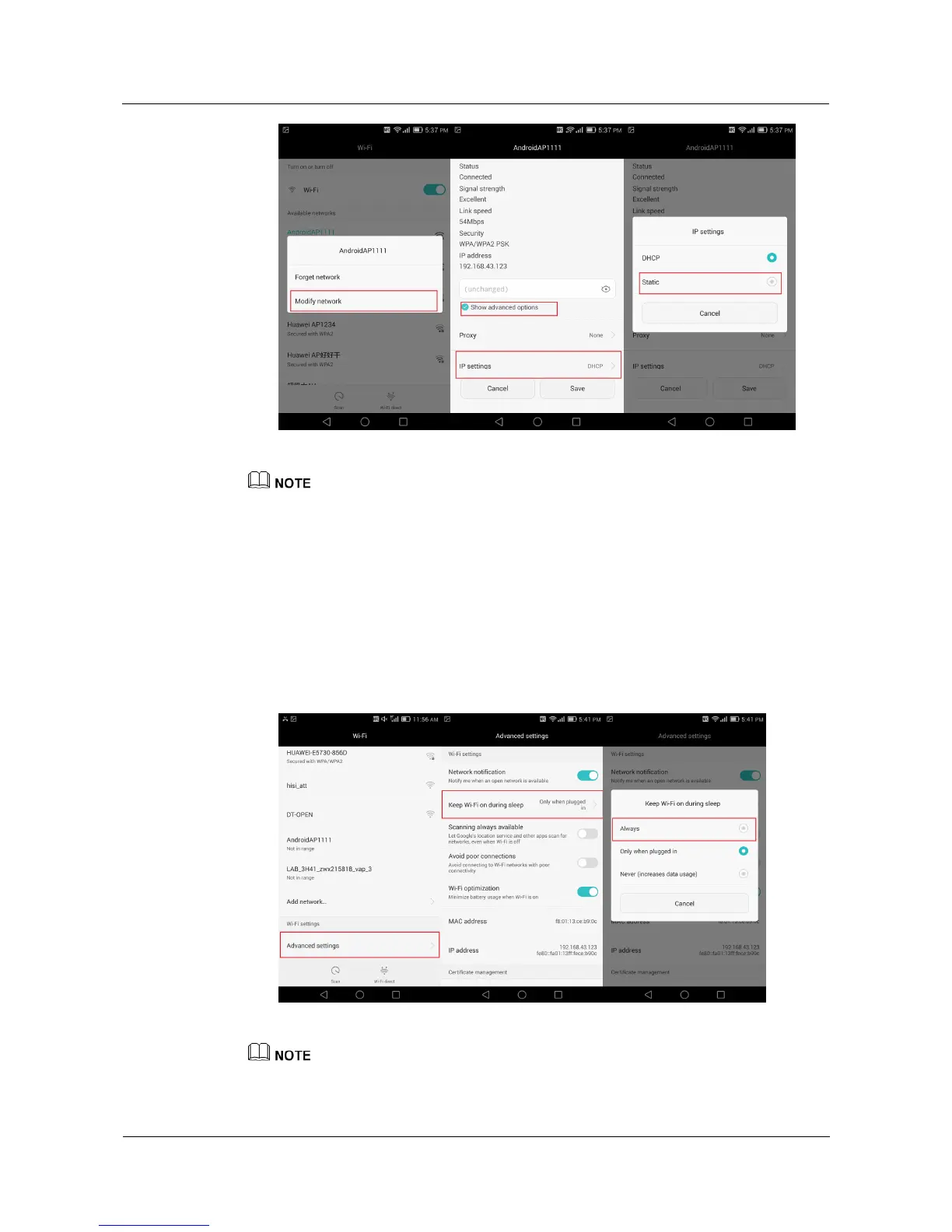
4.9 What can I do if my Wi-Fi connection constantly
disconnects?
Make sure you are within the working range of the Wi-Fi hotspot.
Restart Wi-Fi on your phone or your wireless router.
Go to the Wi-Fi settings screen, touch Advanced settings, and touch Keep Wi-Fi on
during sleep. From the displayed option menu, choose Always.
The figures are for your reference only. The actual screens may vary.



 To Next Page