Huawei Mate7 Smartphone
FAQs 5 Applications
Issue 01 (2014-09-04) Huawei
Proprietary and Confidential
Copyright © Huawei Technologies Co., Ltd.
23
5 Applications
5.1 How do I uninstall pre-installed applications?
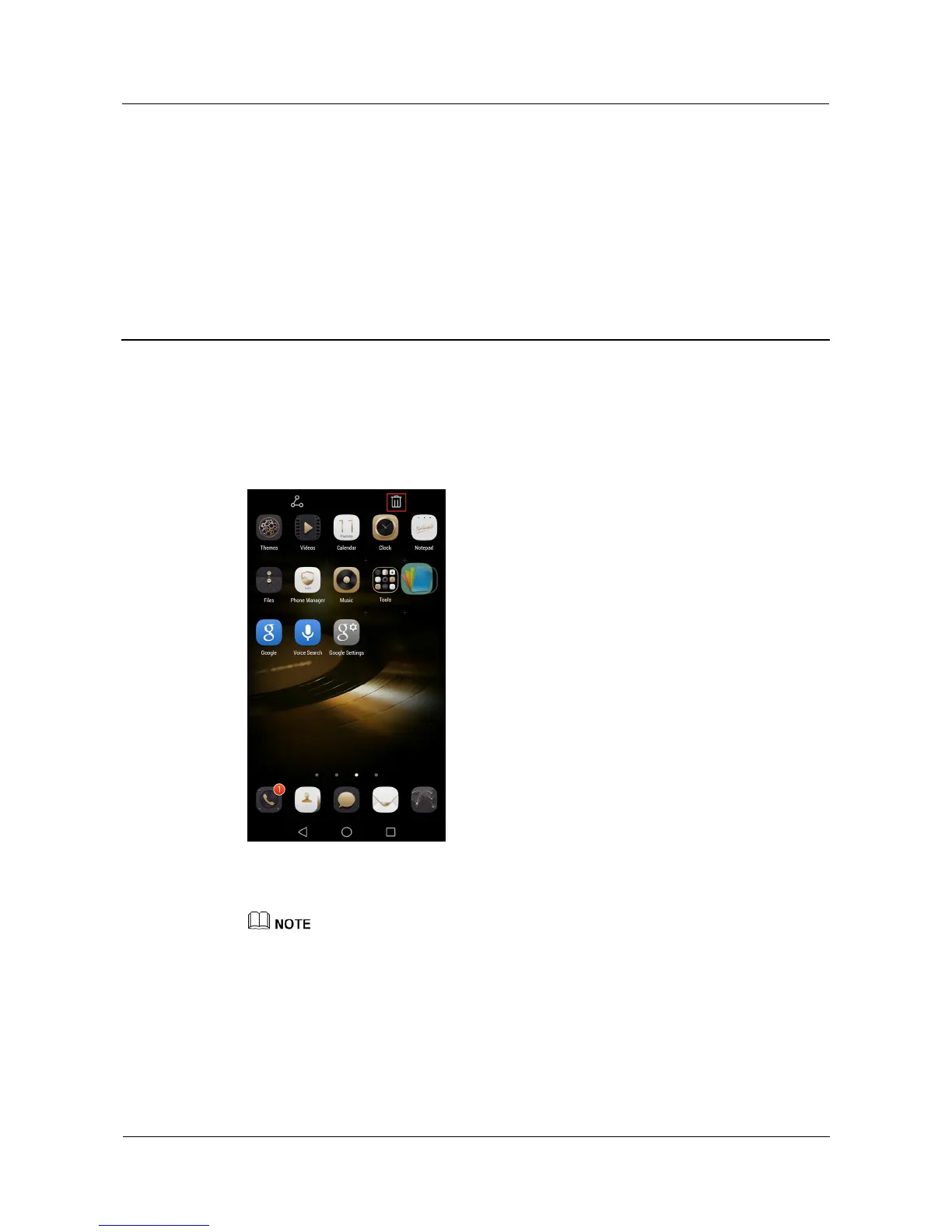
On the home screen, touch and hold the application you want to uninstall, drag it to the trash
can icon, and follow the onscreen instructions to uninstall it.
System applications cannot be uninstalled.
The figures are for your reference only. The actual screens may vary.
5.2 How do I download third-party applications?
A rich selection of applications are available from a variety of sources. You can:
Download applications from Google's Play Store.
Download applications from web pages using the browser on your phone.



 To Next Page