Huawei Mate7 Smartphone
FAQs 5 Applications
Issue 01 (2014-09-04) Huawei
Proprietary and Confidential
Copyright © Huawei Technologies Co., Ltd.
25
Some third-party applications may not be compatible with your phone. You can try
replacing them with similar applications.
If the problem persists, restart your phone or back up important data and restore your phone to
its factory settings.
The figures are for your reference only. The actual screens may vary.
5.5 How do I forbid some third-party applications from
running at phone startup?
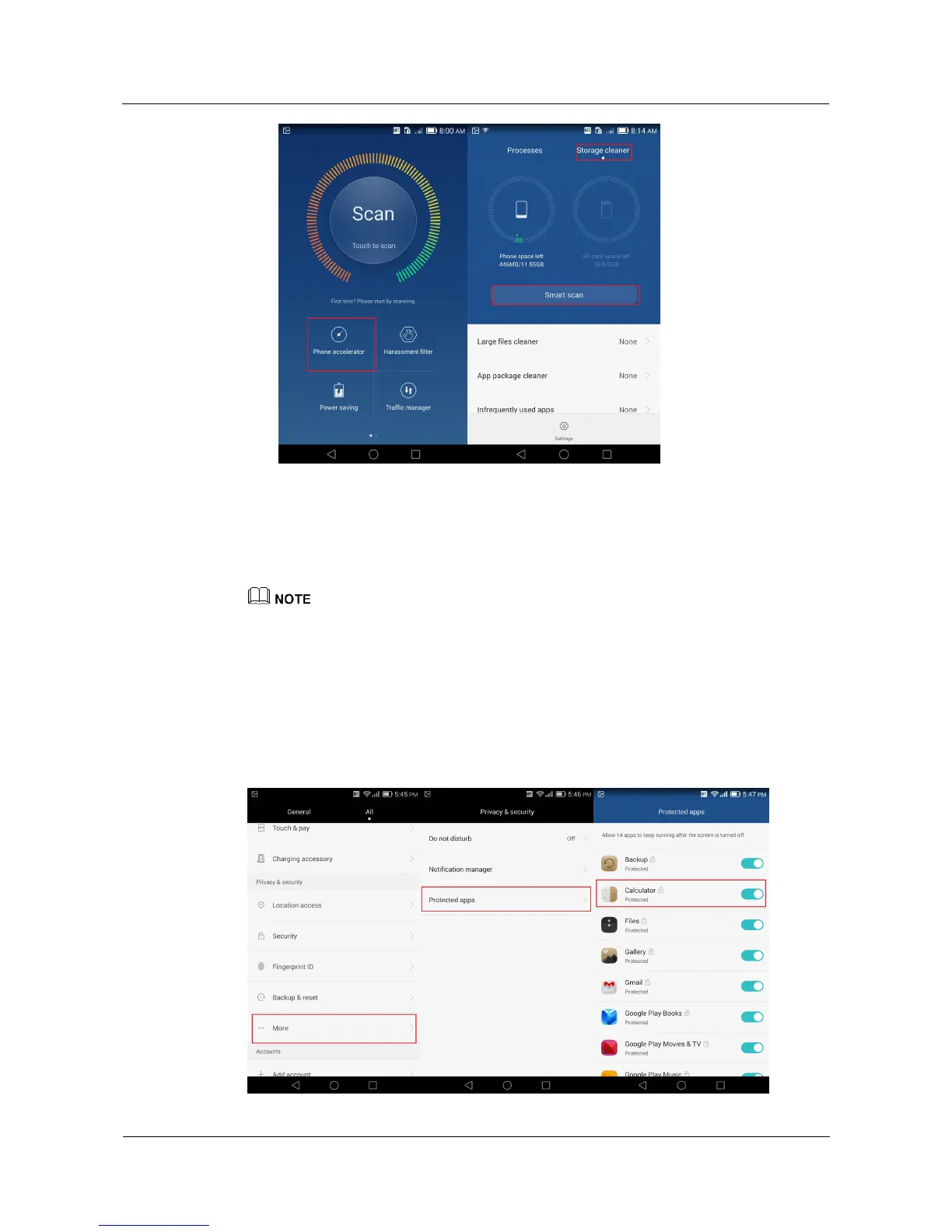
Go to the Settings screen, touch More > Protected apps, and clear the applications that you
want to forbid.



 To Next Page