Huawei Mate7 Smartphone
FAQs 9 Storage and file management
Issue 01 (2014-09-04) Huawei
Proprietary and Confidential
Copyright © Huawei Technologies Co., Ltd.
41
9 Storage and file management
9.1 Why is my phone's actual available storage less than
the advertised storage?
System and background applications will take up a certain portion of your total storage.
9.2 What can I do if my phone does not have sufficient
storage?
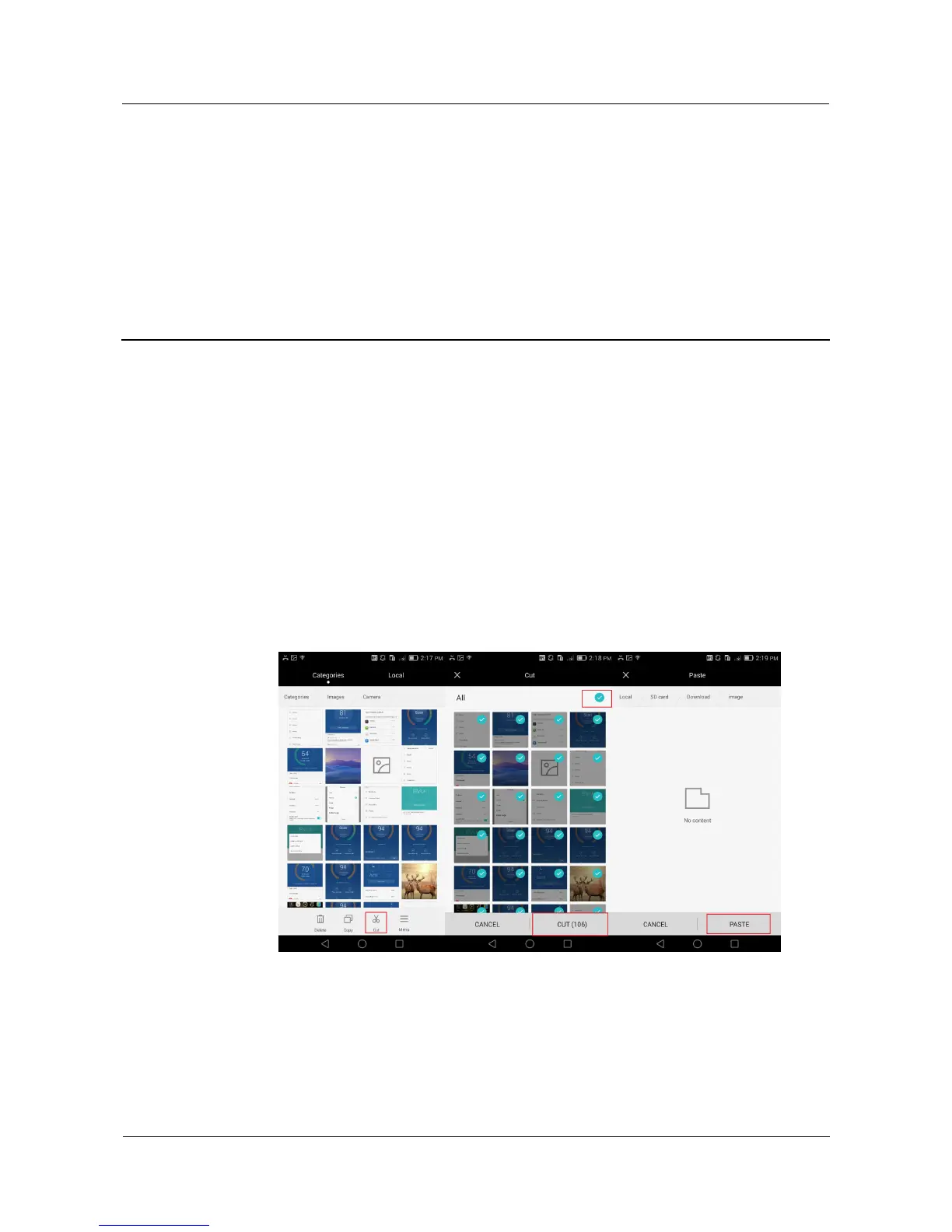
If you have inserted a microSD card into your phone, move your photos, songs, videos,
and other files to the microSD card.
Clean your phone storage: On the Phone Manager screen, touch Phone accelerator >
Storage cleaner > Smart scan, and follow the onscreen instructions to perform a smart
scan, and clear the application cache, system trash files, applications you no longer need
and their installation packages, and large files, such as videos and compressed packages.



 To Next Page