2-2
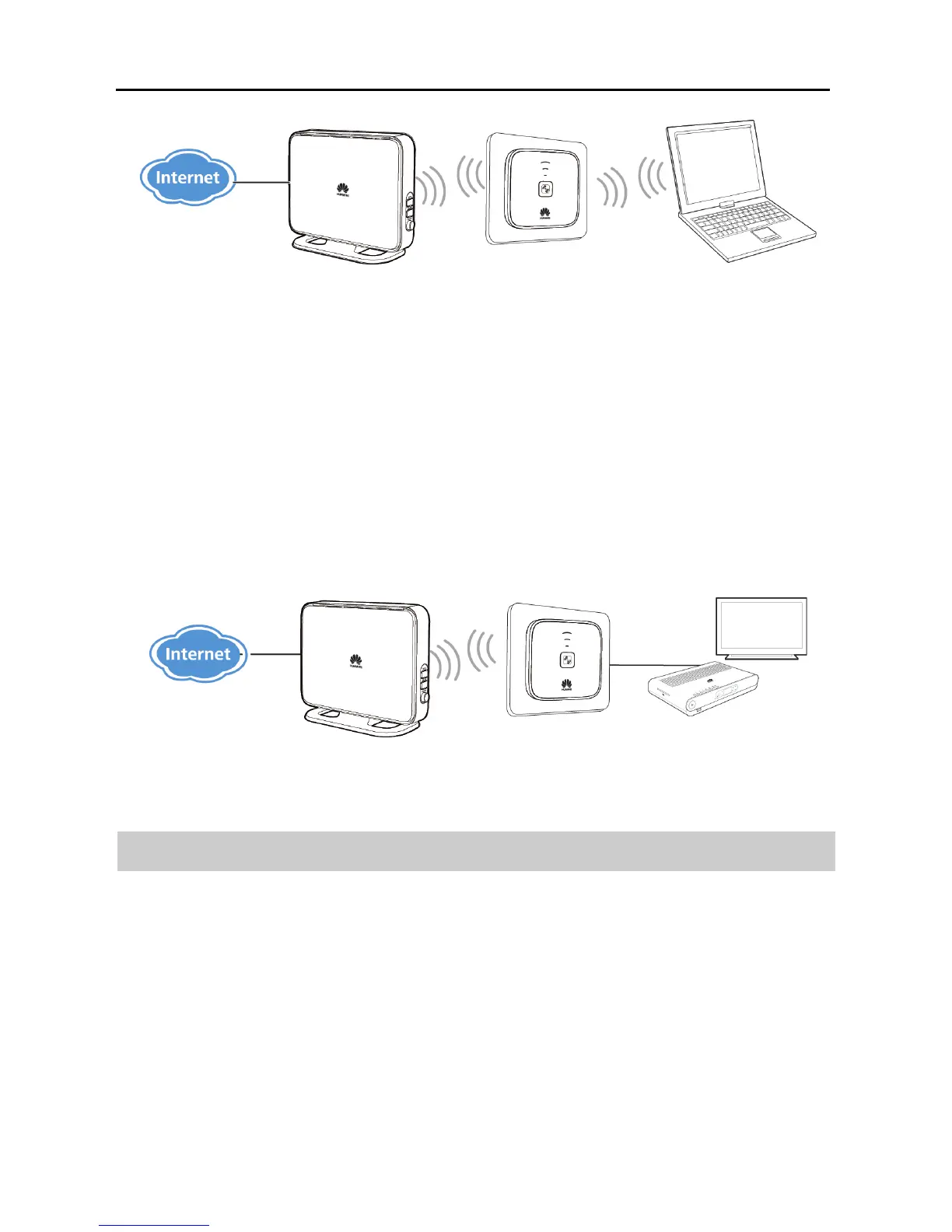
2.1.3 WiFi Client Mode
When working in WiFi client mode, the WS322 is connected to a client, such as
set-top box (STB) or computer, through its Ethernet port, providing the client with
access to a wireless access point. To quickly connect the WS322 to the Internet, all
you have to do is pressing the WPS buttons on the WS322 and access point device.
Best used in: devices that require wireless Internet connections. For example,
network multimedia players and Internet TV.
2.2 Powering On
Insert WS322's power plug into a power socket. The WS322 is then powered on.



 To Next Page