5-4
The configuration succeeded.
After the configuration, the WS322's SSID and password will be synchronized
to those of the connected network. Enter the SSID and password of the WLAN
when connecting the WS322 to other devices.
5.2 Wireless Connection Setup
5.2.1 Manually Setting Up a Wireless Connection
On Windows 7
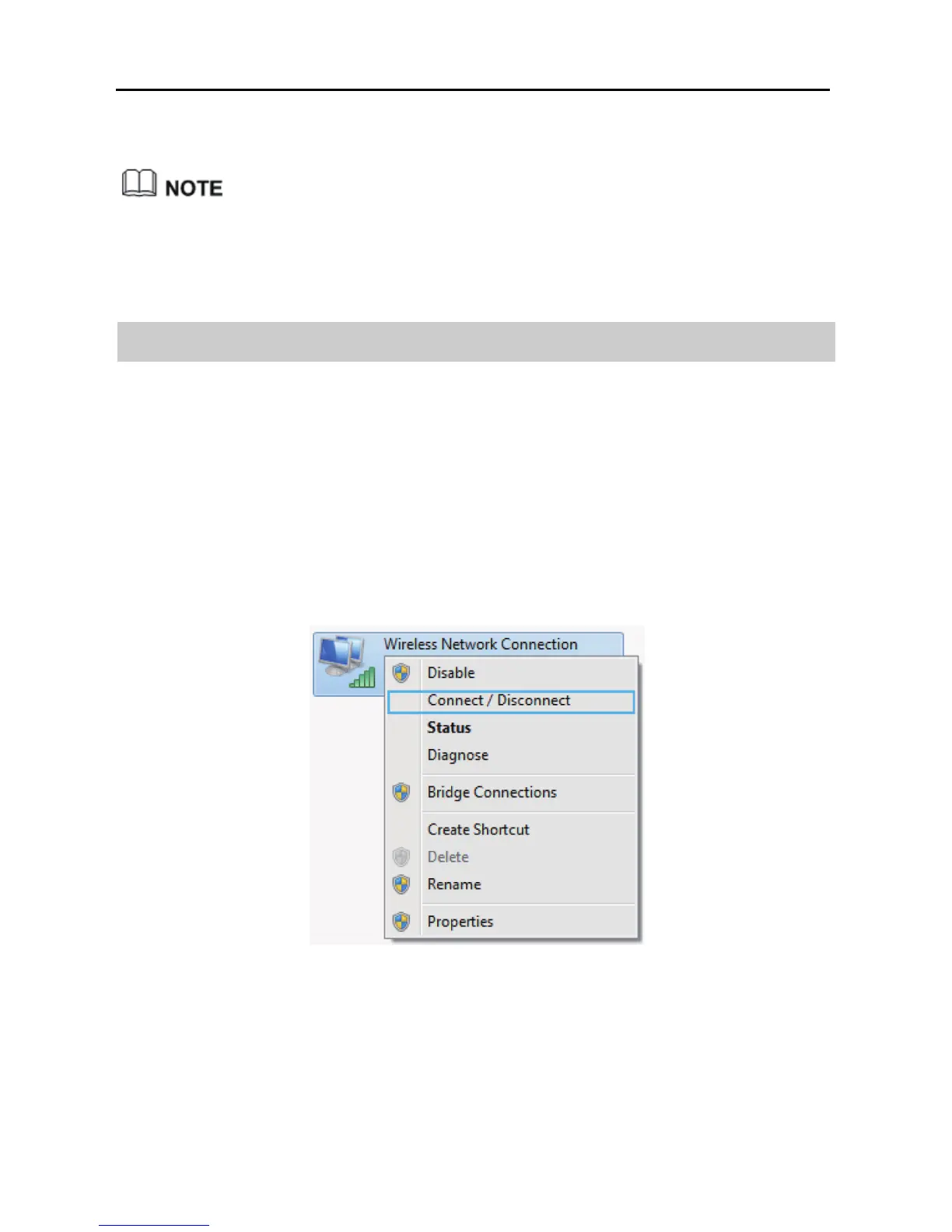
Step 1 Choose Start > Control Panel > Network and Internet > Network and
Sharing Center > Change adapter settings. Right-click Local Area
Connection, and select Connect/Disconnect.
Step 2 From the wireless network list, select the WLAN provided by the
wireless device you want to connect. Click Connect.



 To Next Page