8-1
8 Maintenance Guide
8.1 Changing the Web Management Page
Password
The correct user name and password are required to log in to the web management
page. Regular changes to the web management page user name and password can
effectively prevent unauthorized users from logging in and modifying important
parameters.
Step 1 Log in to the web management page.
Step 2 Click Advance Settings.
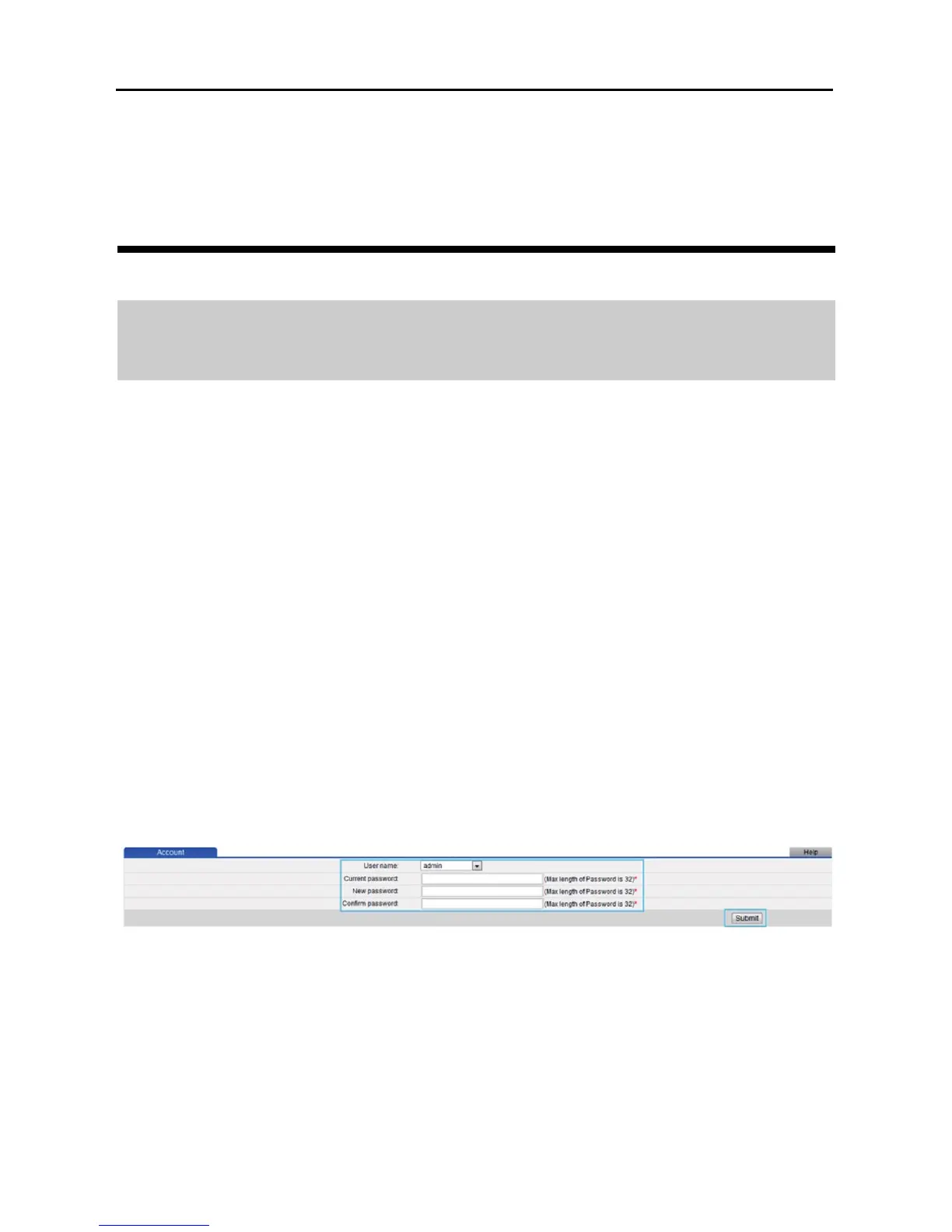
Step 3 In the navigation tree, choose Maintenance > Account.
Step 4 In User Name, select admin.
Step 5 In Current password, enter the currently used password.
Step 6 In New password, enter a new password you sepecified. In Confirm
password, enter the new password again.
Step 7 Click Submit.



 To Next Page