7-4
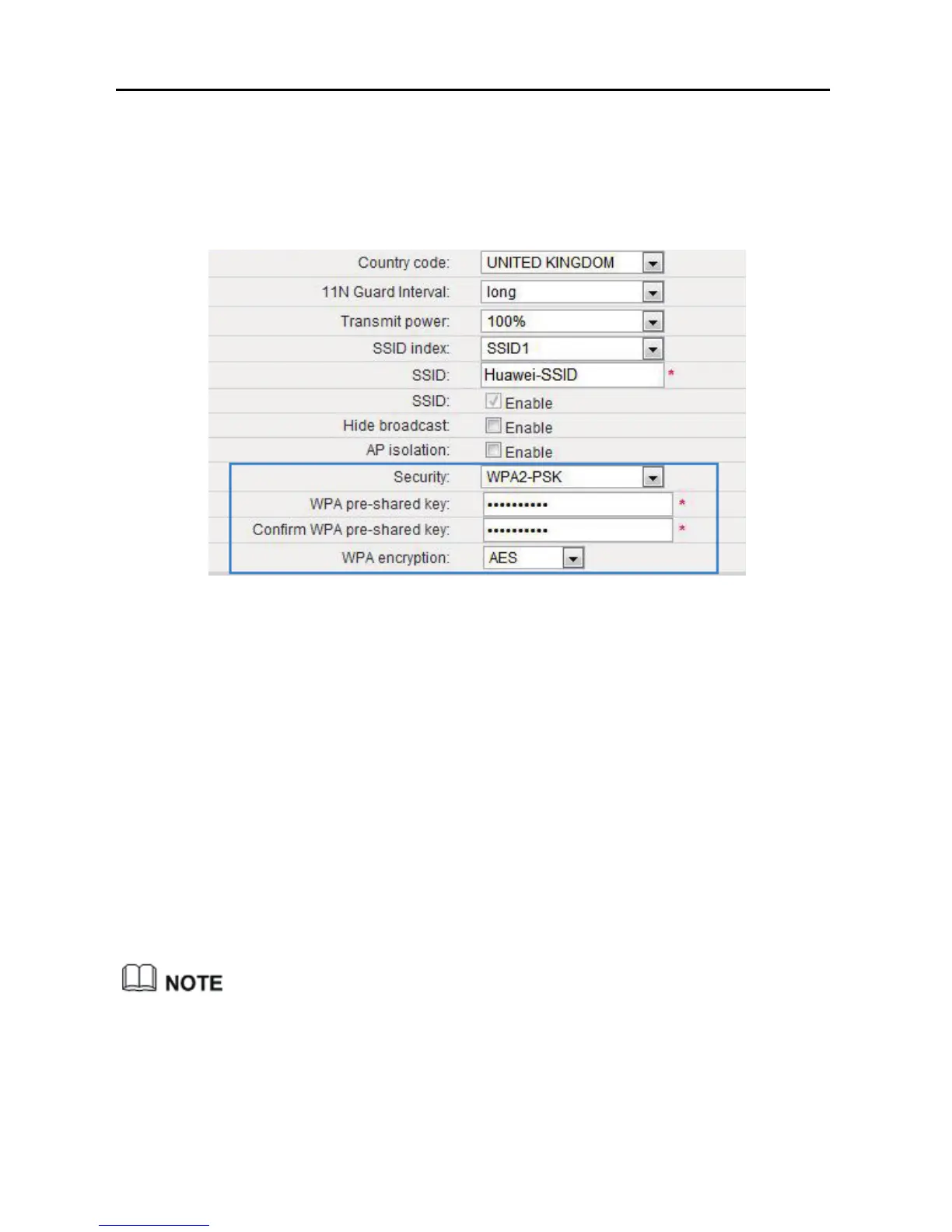
Step 6 In WPA pre-shared key, enter the WLAN password you specified.
Step 7 In WPA Encryption, select AES.
Step 8 Click Submit.
7.2.2 Allowing Only Specified Computers to Access your
WLAN
To prevent unauthorized access to your WLAN, you can specify which devices are
allowed to access your WLAN.
Each network device is assigned with a unique MAC address. After you specify
which MAC addresses can be used to access your WLAN, only those devices with
the specified MAC addresses can connect to your WLAN.
This function is available in WiFi router and WiFi repeater modes.
In WiFi repeater mode, this function applies to the WS322 maintenance SSID
only.
Step 1 View and record the MAC address of the laptop.



 To Next Page