1-4
Function Operation
Switching the
working mode
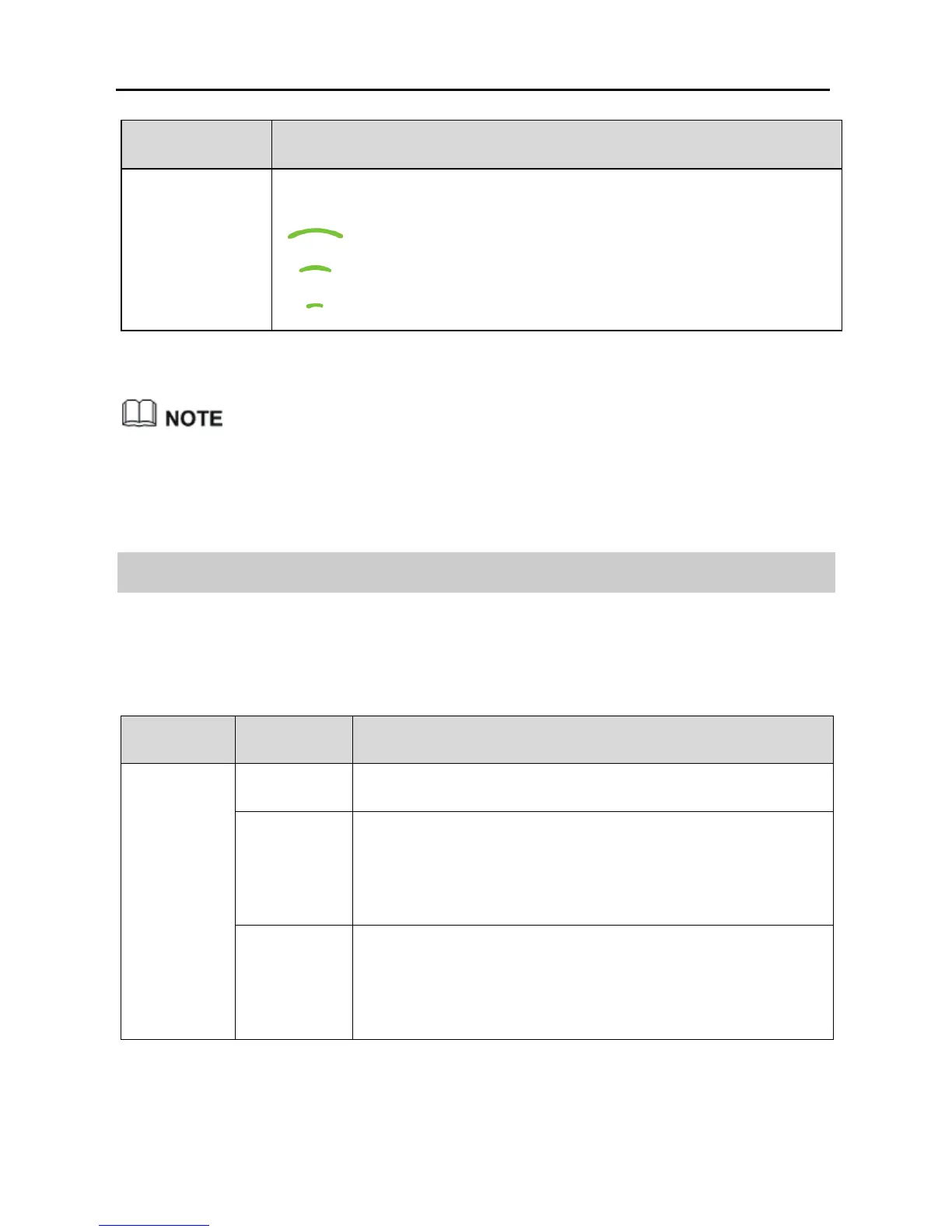
Press and hold the WPS button until:
starts blinking to switch to WiFi Router mode.
starts blinking to switch to WiFi Client mode.
starts blinking to switch to WiFi Repeater mode.
WPS is a computing standard that attempts to automate secure wireless
network setup and connection. The WPS function lets you securely add
wireless clients to a WLAN without entering the user name and password.
1.3 Indicators
Table 1-3 Lists the WS322 indicators and their meanings.
Table 1-3 WS322 indicators and their meanings
Item Status Meaning
Status
Indicator
Off The WS322 is powered off or faulty.
Blinking Blinking red: The WS322 is powering on.
Blinking blue: The WS322 is connecting to a
network.
Steady on Steady red: The WS322 is working properly but is not
connected to a network.
Steady blue: The WS322 is connected to a network.



 To Next Page