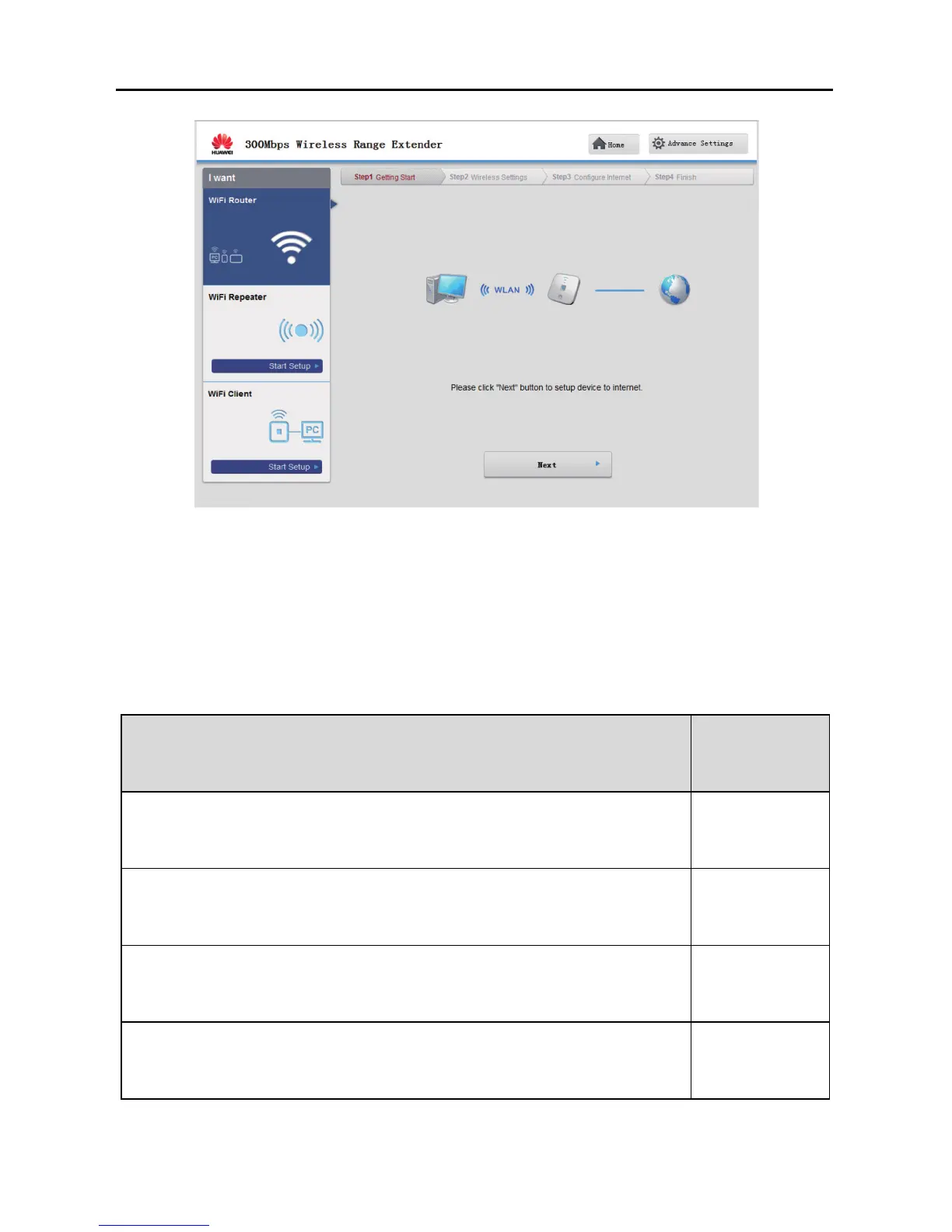
4-3
Step 4 Choose the network connection type.
Choose the connection type based on the application scenario. Table 4-1 describes
the connection types.
Table 4-1 Configuring the Internet access parameters
Application Scenario Connection
Type
The user name and password are provided by your service
provider.
PPPoE
The user name and password are provided by your service
provider. Set up a dial-up connection on one computer only.
Bridge
Certain parameters, such as the static IP address and DNS server
address, are provided by your service provider.
Static IP
No parameters are provided by your service provider. The IP
address is automatically assigned by the service provider.
DHCP



 To Next Page