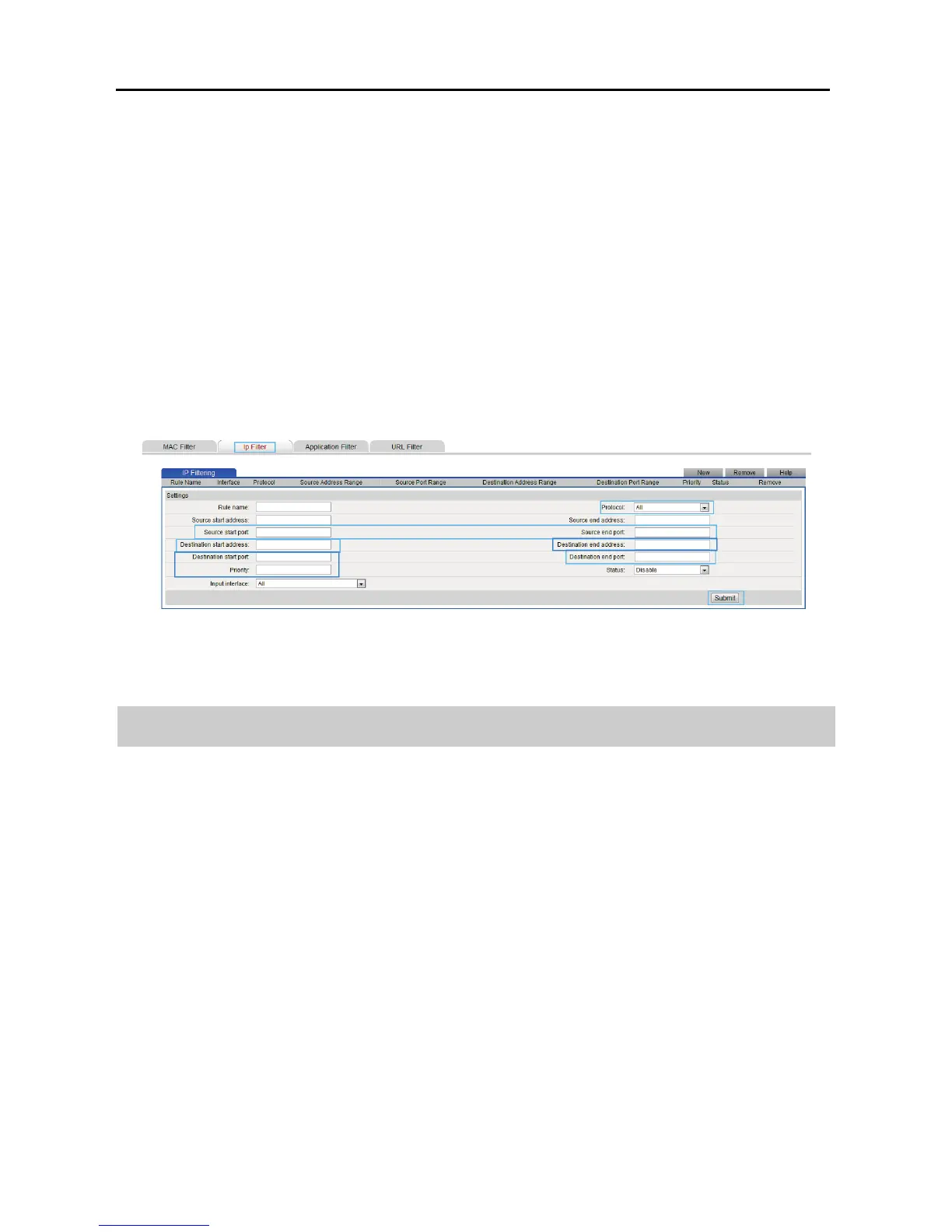
7-10
Source start port: 80
Source end port: 80
Destination start address: 192.168.33.166
Destination end address: 192.168.33.166
Destination start port: 80
Destination end port: 80
Priority:1
Step 8 Click Submit.
7.6 Changing WLAN Repeater Mode Settings
In WiFi repeater mode, you can change the WLAN repeater mode settings to let the
uplink access point identify the number and information of wireless clients
connected to the WS322.
This function is available in WiFi repeater mode.
For example, your WS322 is working in WiFi repeater mode and is connected to an
uplink access point, computer 1, and computer 2. The uplink access point uses MAC
filtering to block computer 1's signals while keeps computer 2's signals. You want
the access point to deem the WS322 as two stations and distinct the signals of
computer 1 and 2.
Step 1 Log in to the web management page.



 To Next Page