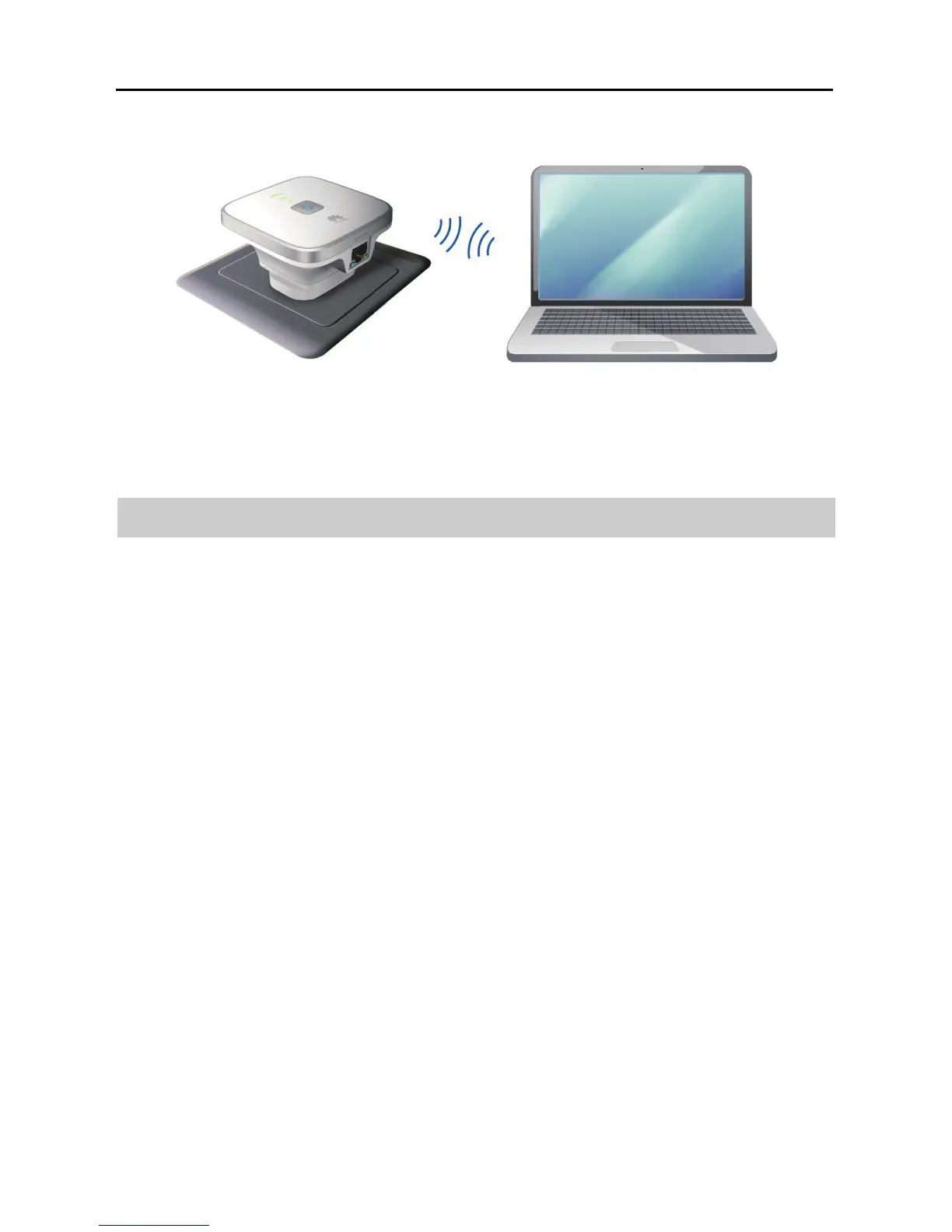
2-3
2.3 Setting the Computer IP Address
Before logging in to the WS322 web management page, set the IP address of the
computer that will be used for the login.
On Windows 7
Step 1 Choose Start > Control Panel > Network and Internet > Network and
Sharing Center.
Step 2 Choose Change adapter settings > Wireless Network Connection.
Right-click Wireless Network Connection, and choose Properties.



 To Next Page