7-8
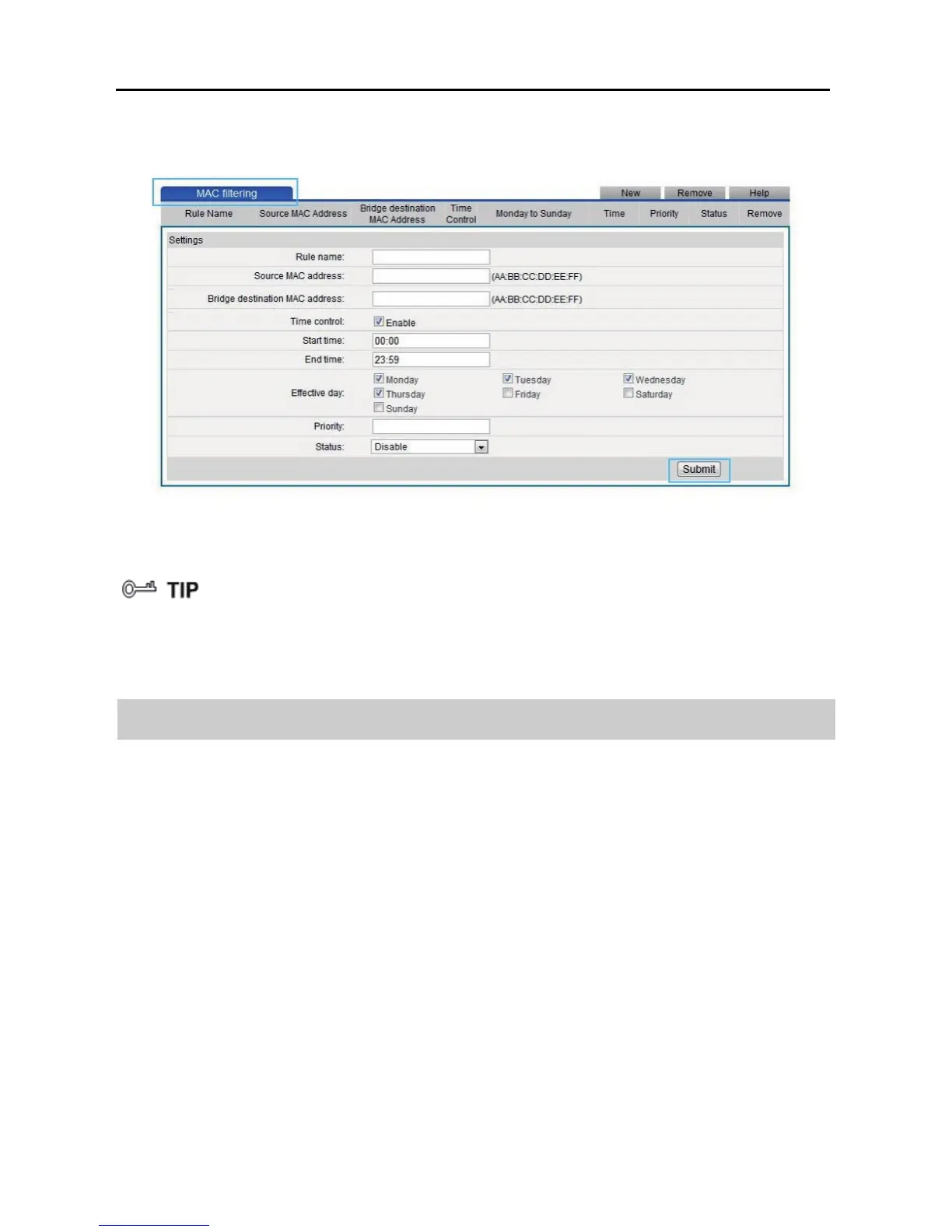
Step 15 Click Submit.
To delete a rule, select the rule from the rule list. In the Remove column, select
the rule. Then click Remove.
7.4 Configuring the Firewall
The WS322 provides a firewall to help secure its WLAN and any devices connected
to it. Set the firewall level based on site requirements to quickly configure the
firewall.
Step 1 Log in to the web management page.
Step 2 Click Advance Settings.
Step 3 In the navigation tree, choose Advanced > Firewall.
Step 4 In Firewall Level, select the firewall level you specified.
Step 5 Click Submit.



 To Next Page