5-6
On Windows XP
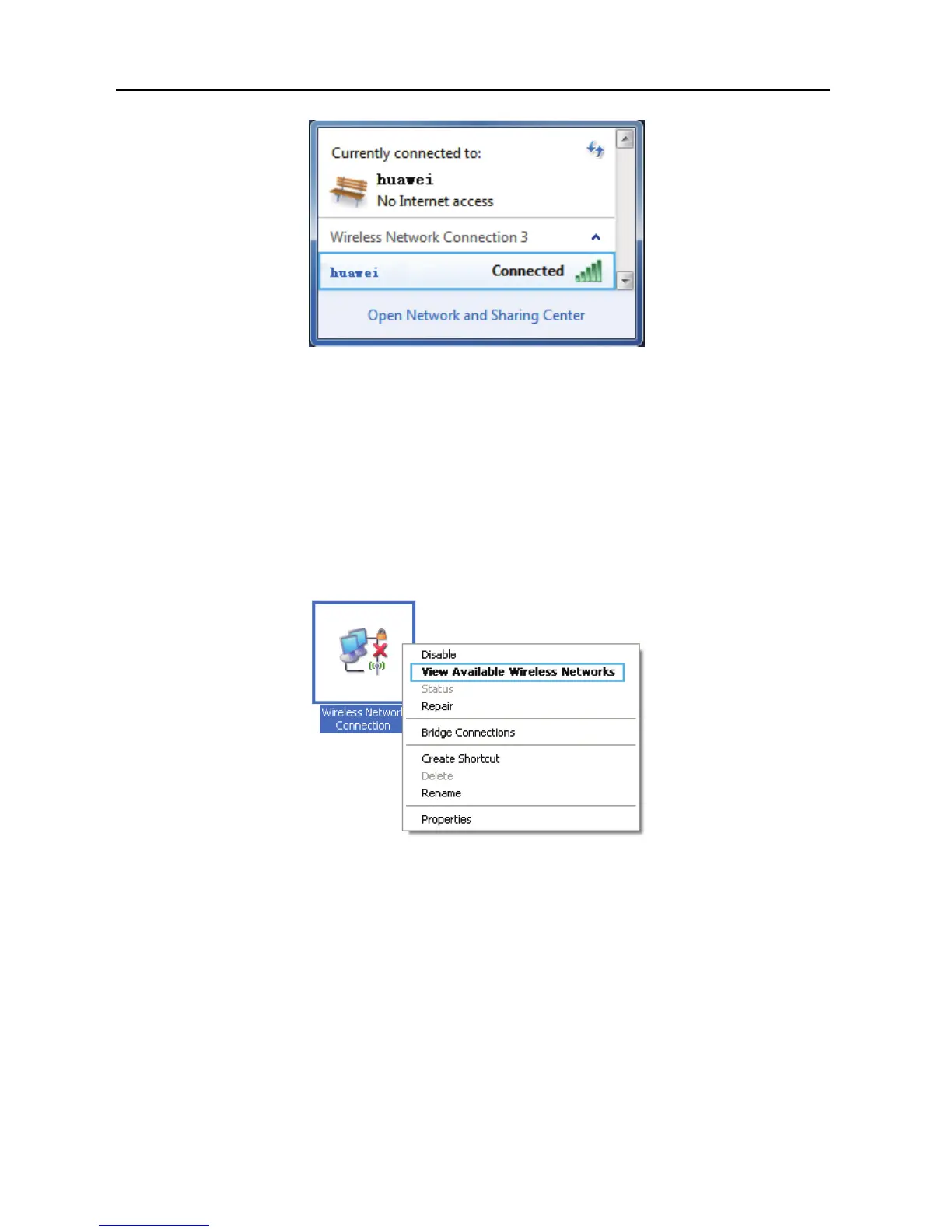
Step 1 Choose Start > Control Panel > Network and Internet Connections >
Network Connections. Right-click Wireless Network Connection, and
choose View Available Wireless Networks from the shortcut menu.
Step 2 From the wireless network list, select the WLAN provided by the
wireless device you want to connect. Click Connect.



 To Next Page