HUAWEI G730 Smartphone FAQs
Huawei Proprietary and Confidential
Copyright © Huawei Technologies Co., Ltd.
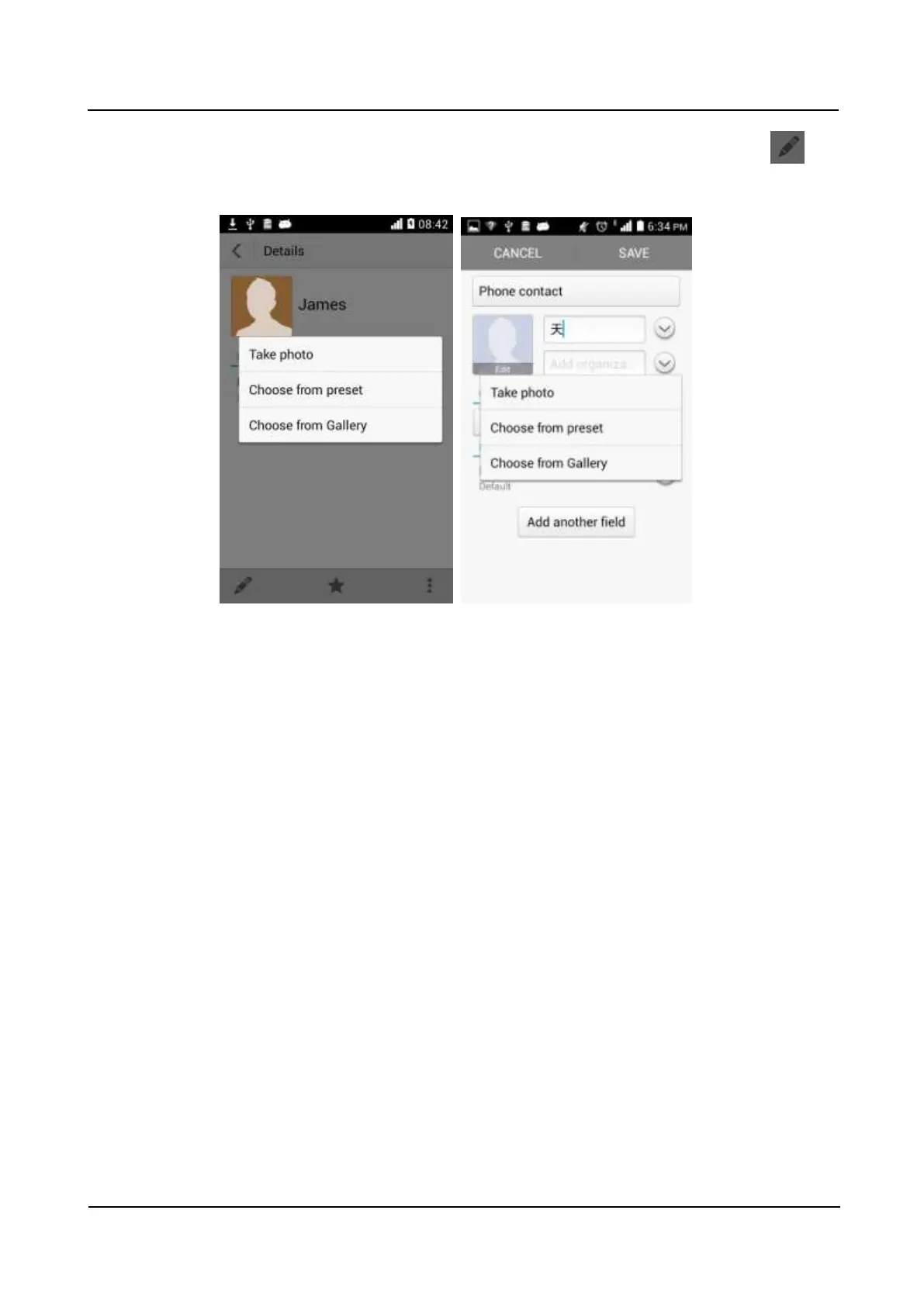
Method 2: Go to Contacts and touch a contact to display the contact details. Touch to
display the contact editing screen. Touch the contact photo area then Take photo, Choose
from preset, or Choose photo from Gallery, as shown in the following figure.
1.6.2 How do I import contacts from or export contacts to a SIM
card?
Importing contacts from a SIM card
Go to Contacts. Touch the menu key then Import/export. From the displayed screen, touch
Import from sim (in this example, only one SIM card is inserted). Select the contacts you
want to import, and touch IMPORT. From the displayed option menu, touch Phone.



 To Next Page