HUAWEI G730 Smartphone FAQs
Huawei Proprietary and Confidential
Copyright © Huawei Technologies Co., Ltd.
When airplane mode is on, your wireless connections will be unavailable.
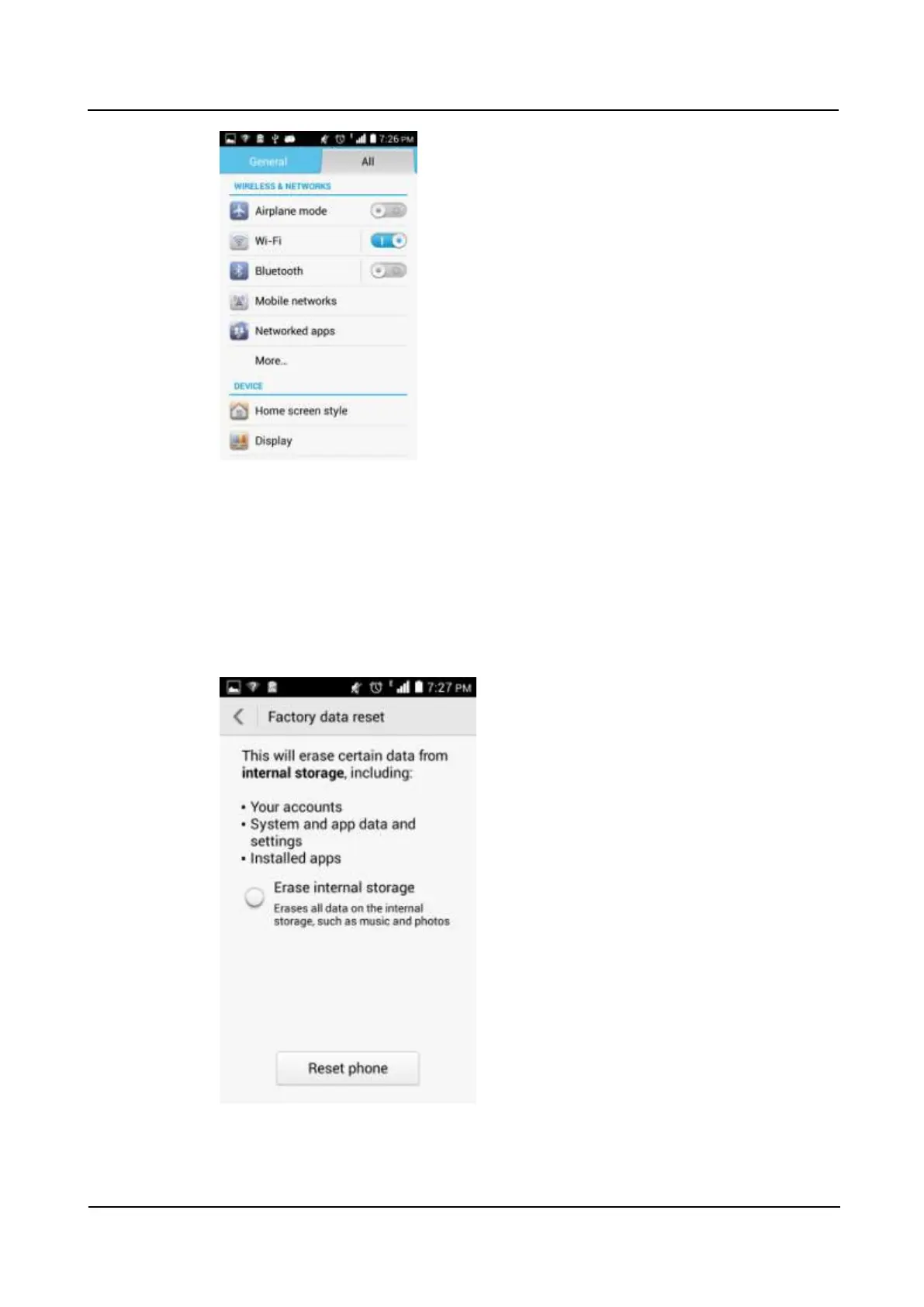
2.23 How do I restore my phone to its default settings?
1. Go to Settings and touch Backup & reset > Factory data reset.
2. Touch Back up my data to back up important data on your phone, such as messages and
contacts. Then touch Reset phone. Touch Erase everything to restore your phone to its
factory settings.



 To Next Page