HUAWEI G730 Smartphone FAQs
Huawei Proprietary and Confidential
Copyright © Huawei Technologies Co., Ltd.
Viewing and deleting an email
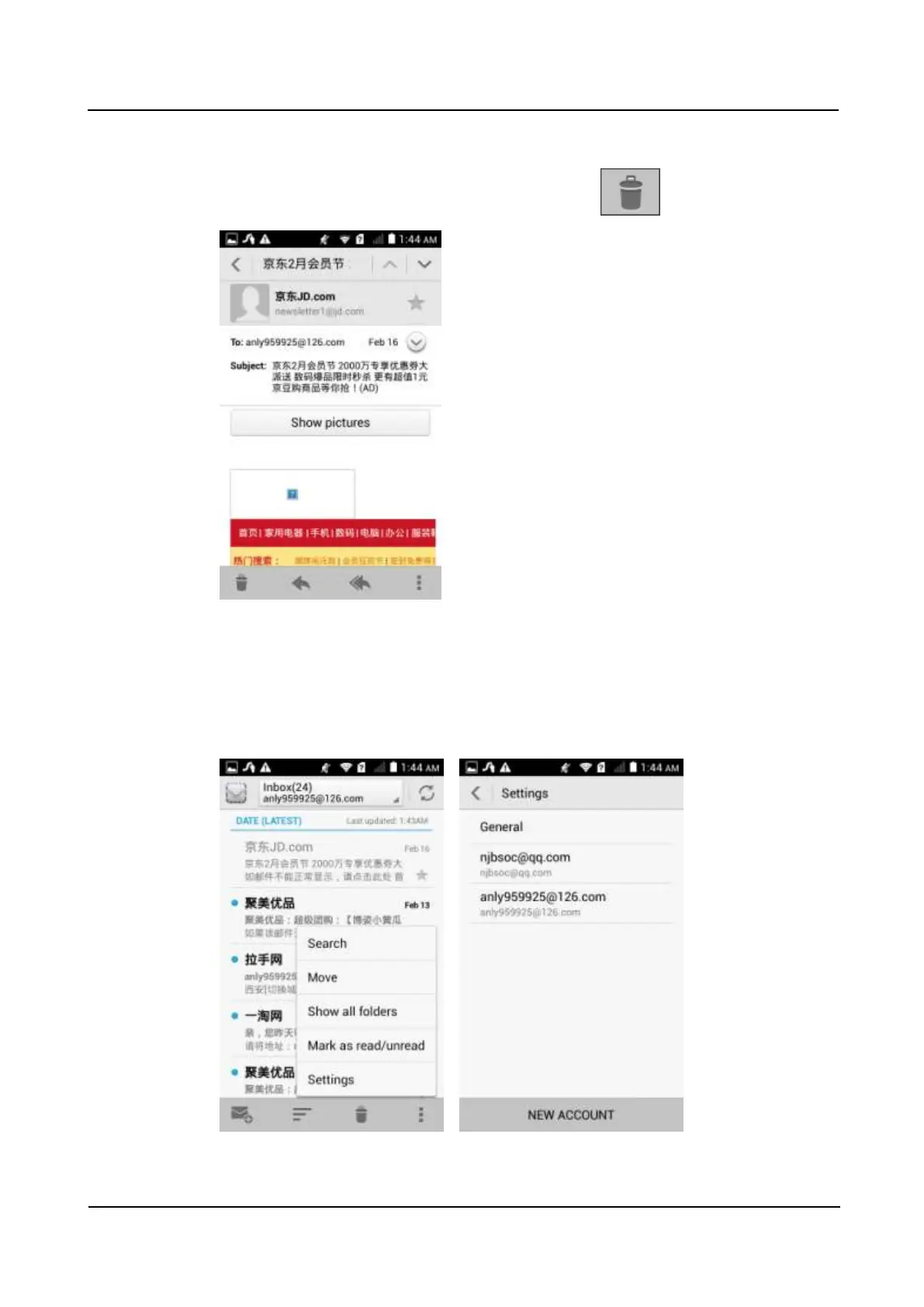
On the Inbox screen, touch an email to read it, and touch to delete it.
Removing an email account
On the Inbox screen, touch the menu key. From the displayed option menu, choose Settings.
Touch the email account you want to remove. From the displayed screen, touch Remove
account.



 To Next Page