HUAWEI G730 Smartphone FAQs
Huawei Proprietary and Confidential
Copyright © Huawei Technologies Co., Ltd.
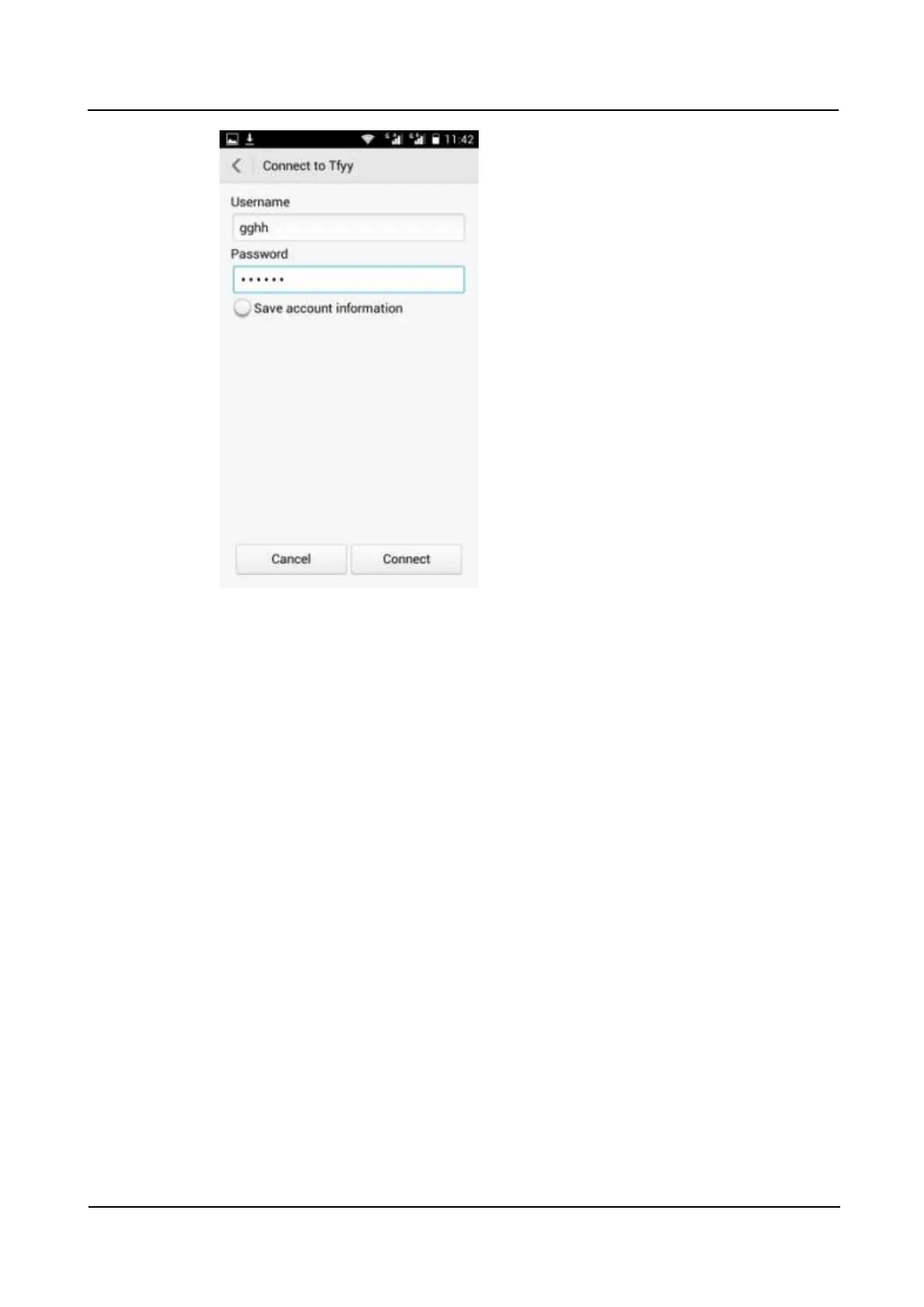
After a connection is set up, you will be able to access the resources provided in the VPN.
2.9 Screen lock
2.9.1 How do I enable a screen lock that must be unlocked using a
PIN?
1. Go to Settings and touch Security > Screen lock > PIN.
2. Under Choose your PIN, enter a PIN.



 To Next Page