HUAWEI G730 Smartphone FAQs
Huawei Proprietary and Confidential
Copyright © Huawei Technologies Co., Ltd.
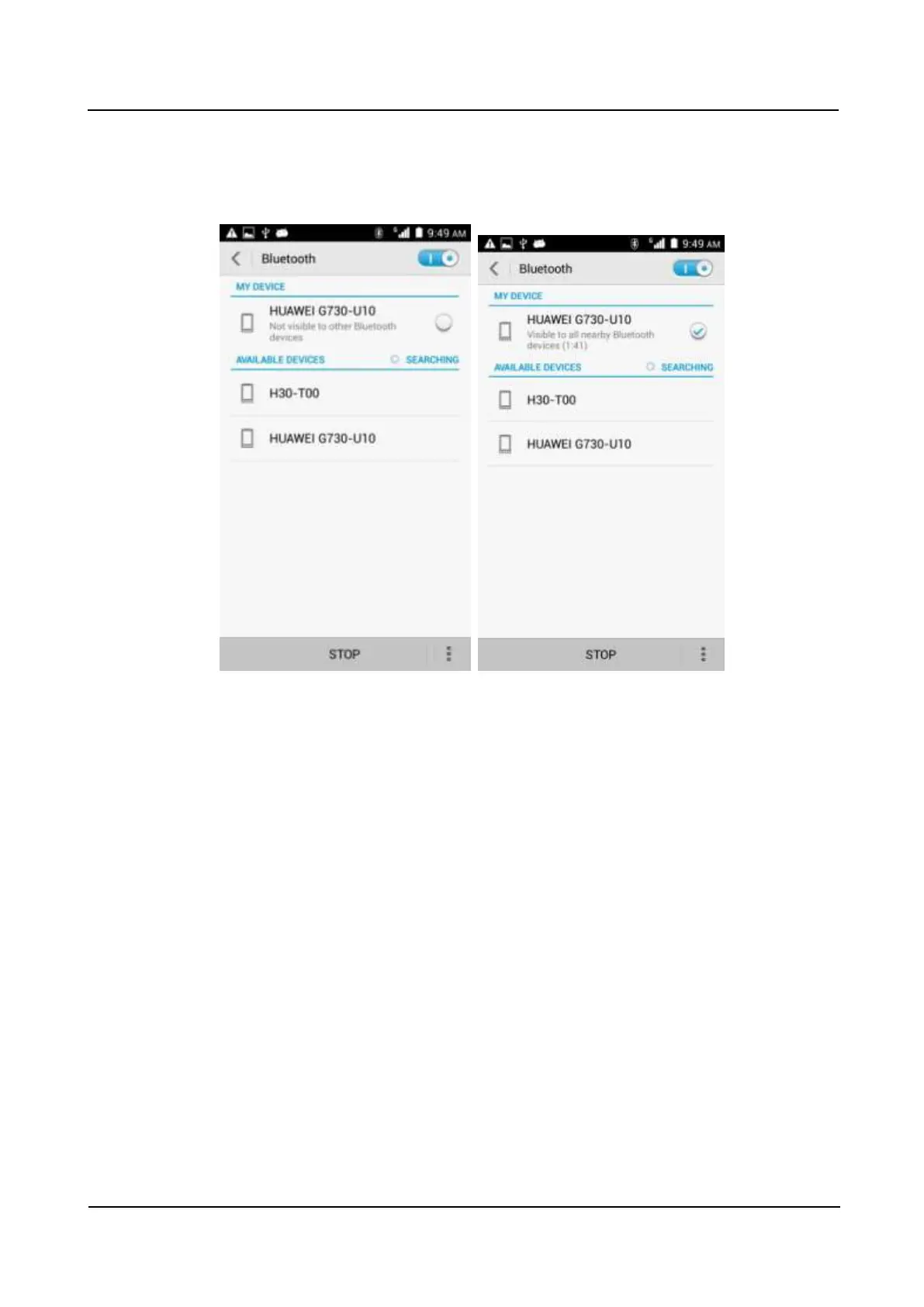
The Bluetooth is turned on, but your phone is not set to be visible to all devices.
Go to Settings. Under WIRELESS & NETWORKS, touch Bluetooth. On the
Bluetooth screen, touch your device name (for example, HUAWEI Y330 in the
following figure) to set your device to be visible to all nearby Bluetooth devices.
1.12.4 What is the Bluetooth working range?
The working range is approximately 10 meters.
1.12.5 I cannot pair my phone with other Bluetooth devices. Why?
Your phone supports various profiles, such as A2DP, HSP, HFP, PAN, HIDH, OPP, and PBAP.
If the pairing device also supports these profiles but fails to be paired with, see the following
solutions:
Your phone cannot find other phones.
Solution: Check that Bluetooth on the other phone is turned on and the phone is set to be
visible.
Your phone cannot find a Bluetooth headset.
Solution: Check that the headset is set to be visible. For details about how to configure
the headset, see the user guide of the headset.
Your phone cannot send files to other phones.
Solution: Check that the phone to be connected to can receive files and support the
format of the file to be sent.



 To Next Page