HUAWEI G730 Smartphone FAQs
Huawei Proprietary and Confidential
Copyright © Huawei Technologies Co., Ltd.
1.11.4 How do I edit a photo or video or add a photo frame?
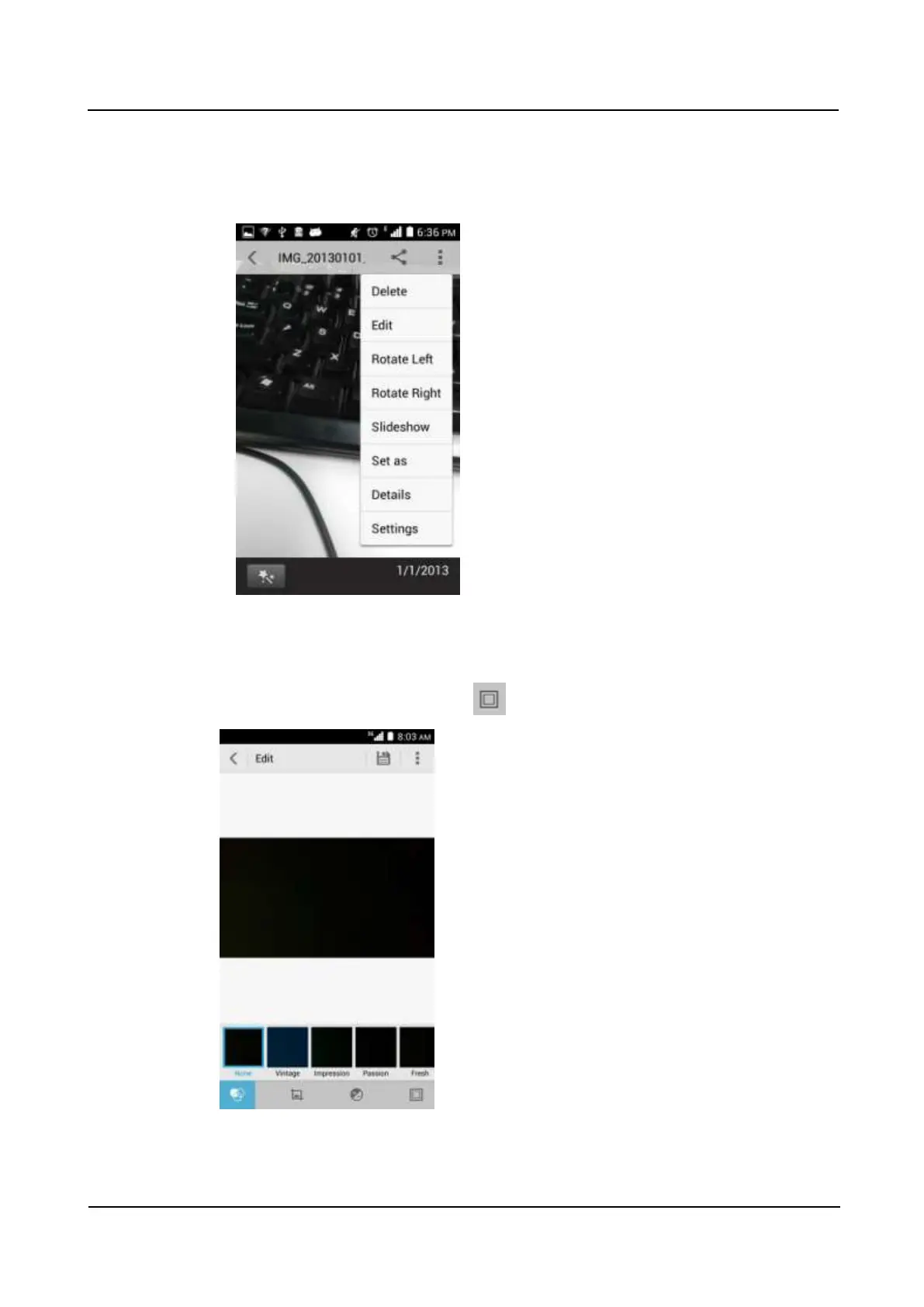
To edit a photo, touch the menu key. You will then be able to rotate (left or right) or edit
the photo, as shown in the following figure.
Videos cannot be edited.
To add a photo frame, touch the menu key, and choose Edit from the displayed option
menu. On the Edit screen, touch to select a photo frame.



 To Next Page