HUAWEI G730 Smartphone FAQs
Huawei Proprietary and Confidential
Copyright © Huawei Technologies Co., Ltd.
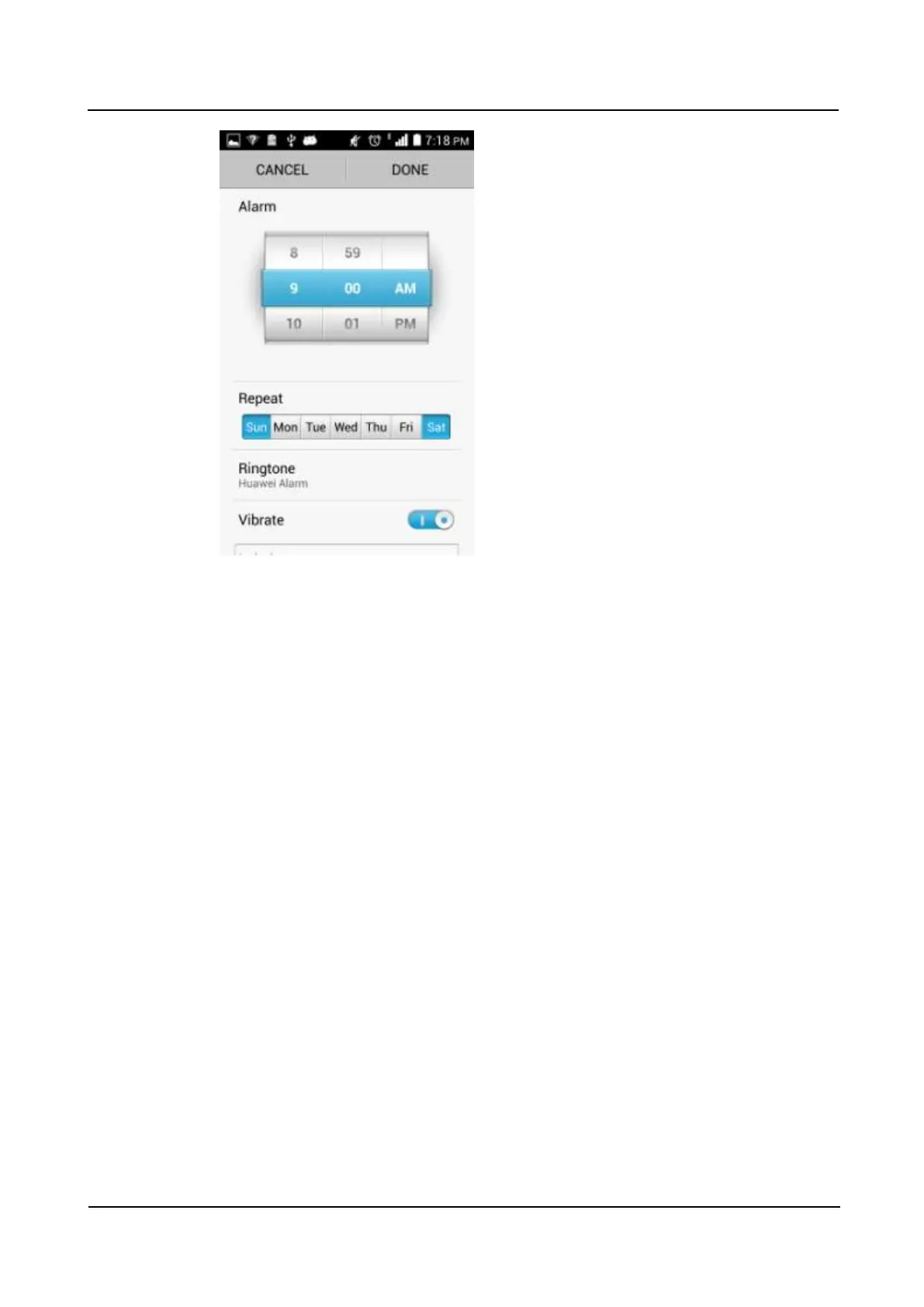
− To set a ringtone for the alarm, touch Ringtone and select the desired ringtone.
− To set your phone to vibrate when the alarm goes off, turn on Vibrate.
− To name the alarm, enter a name in Label.
4. Touch Done.
On the alarm screen, you can find the list of all alarms. Use the slider to turn on or off an
alarm. To delete an alarm, touch and hold it and select Delete alarm from the displayed
option menu.
2.10.2 Will the alarms go off when my phone is powered off?
Yes. Enabled alarms will go off when your phone is powered off.
2.11 Applications
2.11.1 What application formats does my phone support? Is JAVA
supported?
The phone supports applications developed using JAVA. To install .jar or .jad applications,
you must install a JAVA simulator, such as Jbed.apk or GZL-signed-Jbed.apk.
2.11.2 How do I download third-party applications?
You can download applications from third-party application stores.



 To Next Page