HUAWEI G730 Smartphone FAQs
Huawei Proprietary and Confidential
Copyright © Huawei Technologies Co., Ltd.
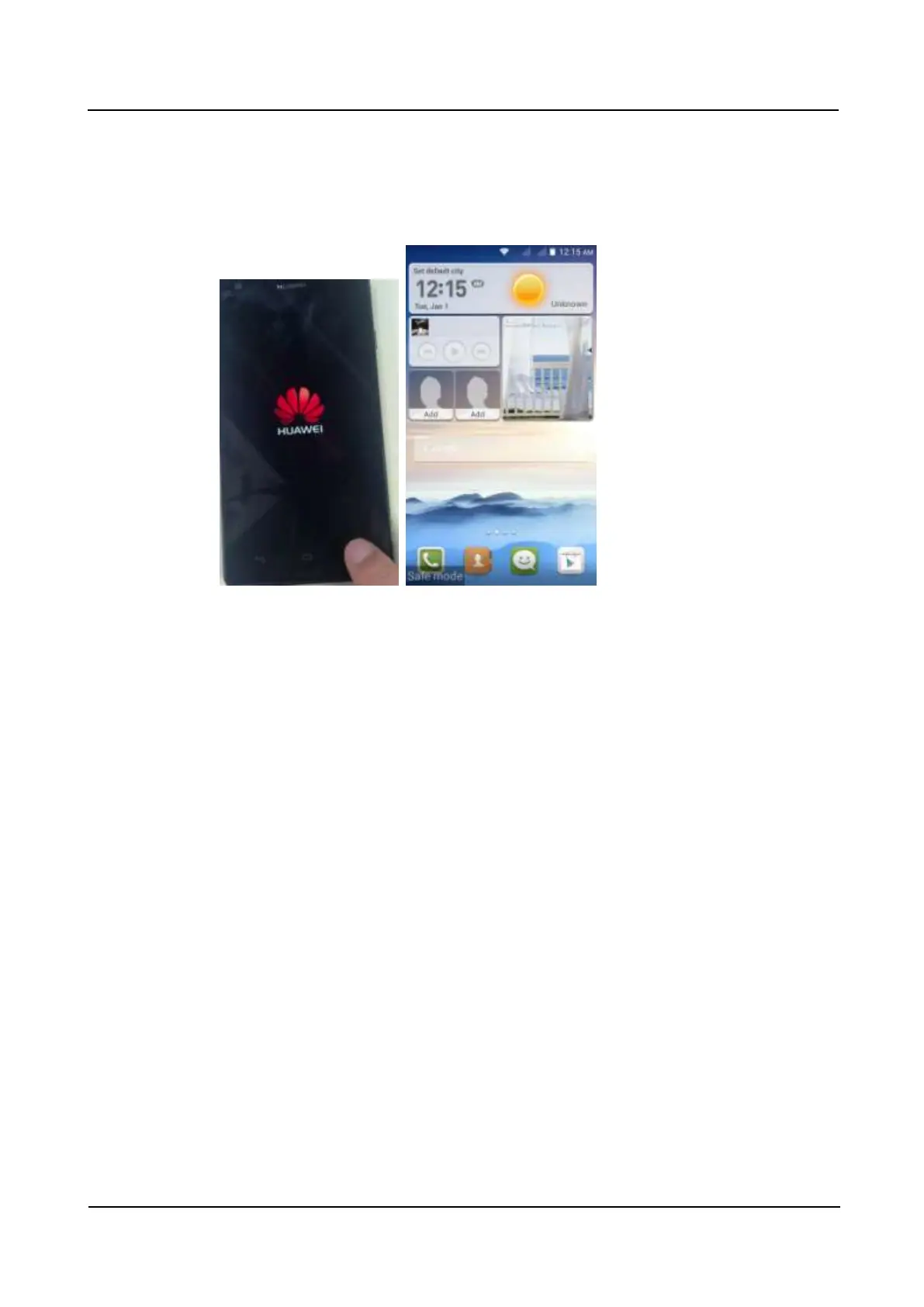
2.24 How do I enter and exit safe mode?
When your phone is powering on, touch and hold the menu key until the phone vibrates to
enter safe mode. After the phone is powered on, Save mode is displayed in the lower left
corner.
To exit safe mode, restart your phone.
2.25 HiSuite
Your phone provides HiSuite.
Connect your phone to a computer using a USB cable, and touch Device file manager (MTP),
Connected as USB storage, or Charge only in the notification panel, to display a menu for
USB connections.



 To Next Page