HUAWEI G730 Smartphone FAQs
Huawei Proprietary and Confidential
Copyright © Huawei Technologies Co., Ltd.
2.9.3 How do I enable a screen lock that must be unlocked using a
pattern?
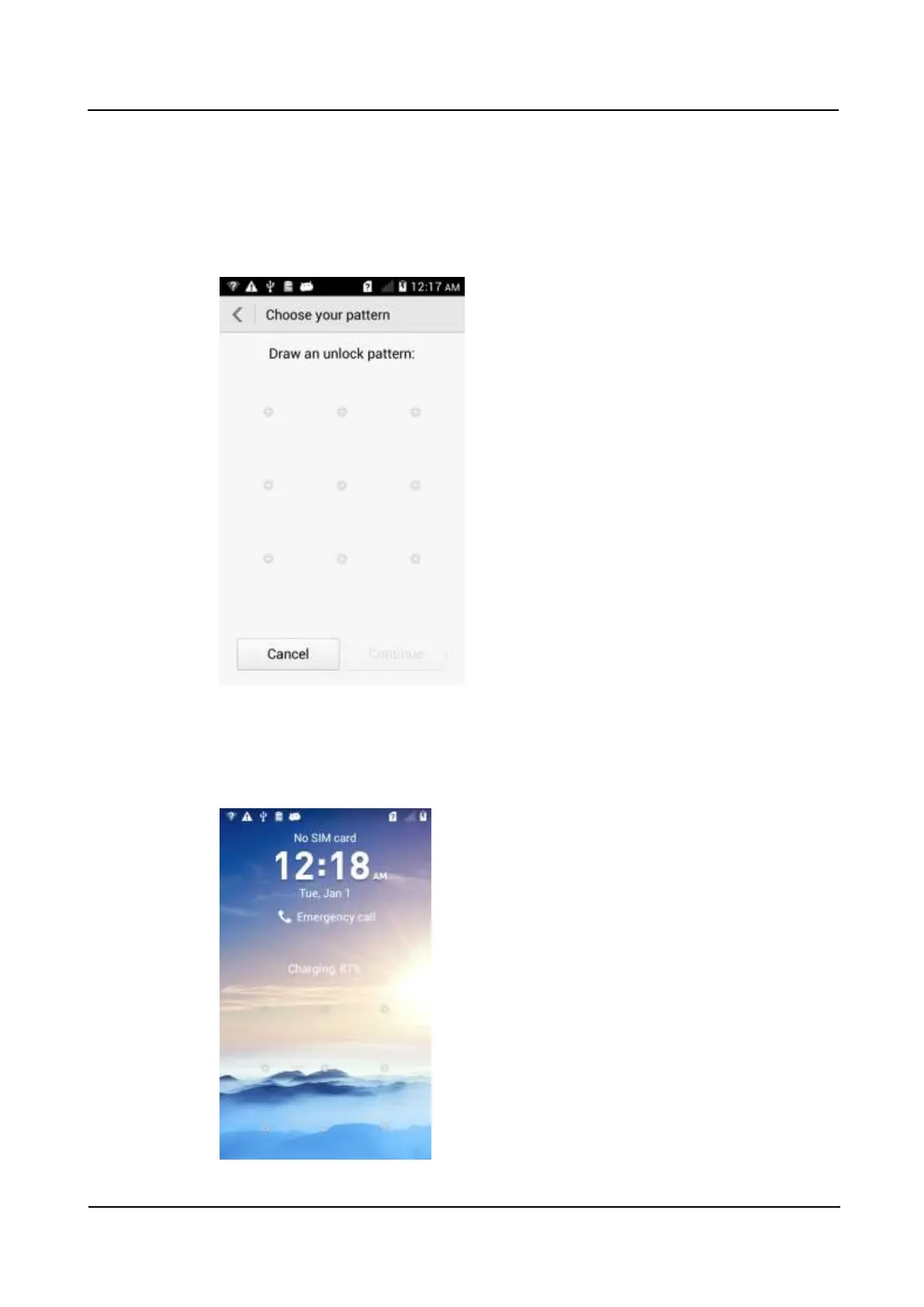
1. Go to Settings and touch Security > Screen lock > Pattern.
2. On the Choose your pattern screen, swipe your finger across the screen to connect four
or more dots together in a pattern and touch Continue.
3. Draw the pattern again and touch Confirm.
When you power on the phone or press the power button to turn on the screen, the following
unlock screen is displayed. Draw your pattern to unlock the screen.



 To Next Page