HUAWEI G730 Smartphone FAQs
Huawei Proprietary and Confidential
Copyright © Huawei Technologies Co., Ltd.
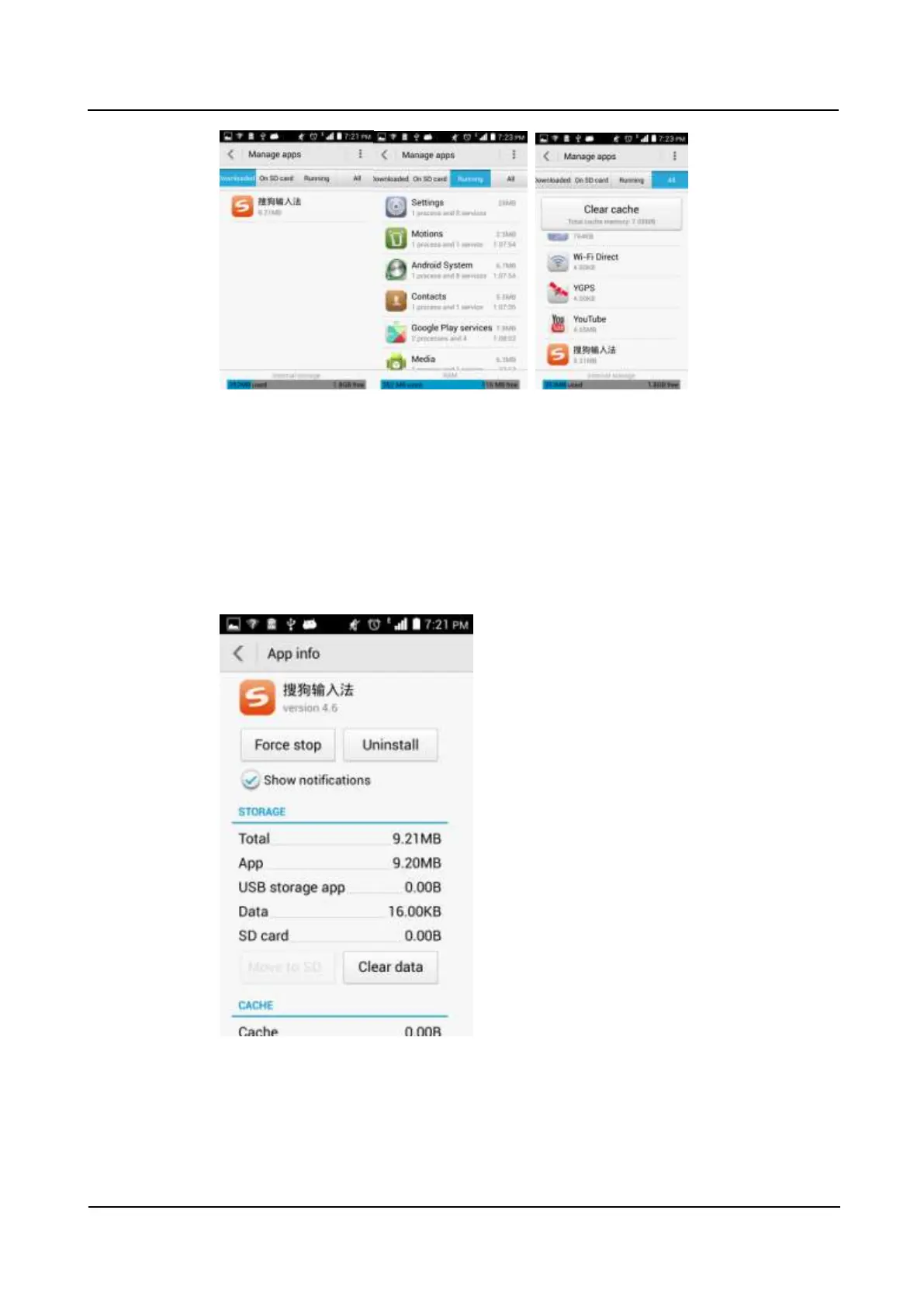
Applications are displayed in the center.
Storage information is displayed at the bottom of the screen.
2.14.4 How do I manage a specific application?
Switch to the desired application list.
Touch the application you want to manage to display the following screen. You will then be
able to stop or uninstall the application, or delete data from the application.



 To Next Page