HUAWEI G730 Smartphone FAQs
Huawei Proprietary and Confidential
Copyright © Huawei Technologies Co., Ltd.
2.3 Can I use my phone as a mobile Wi-Fi hotspot and
access the Internet from another device using my phone's
data connection?
Yes.
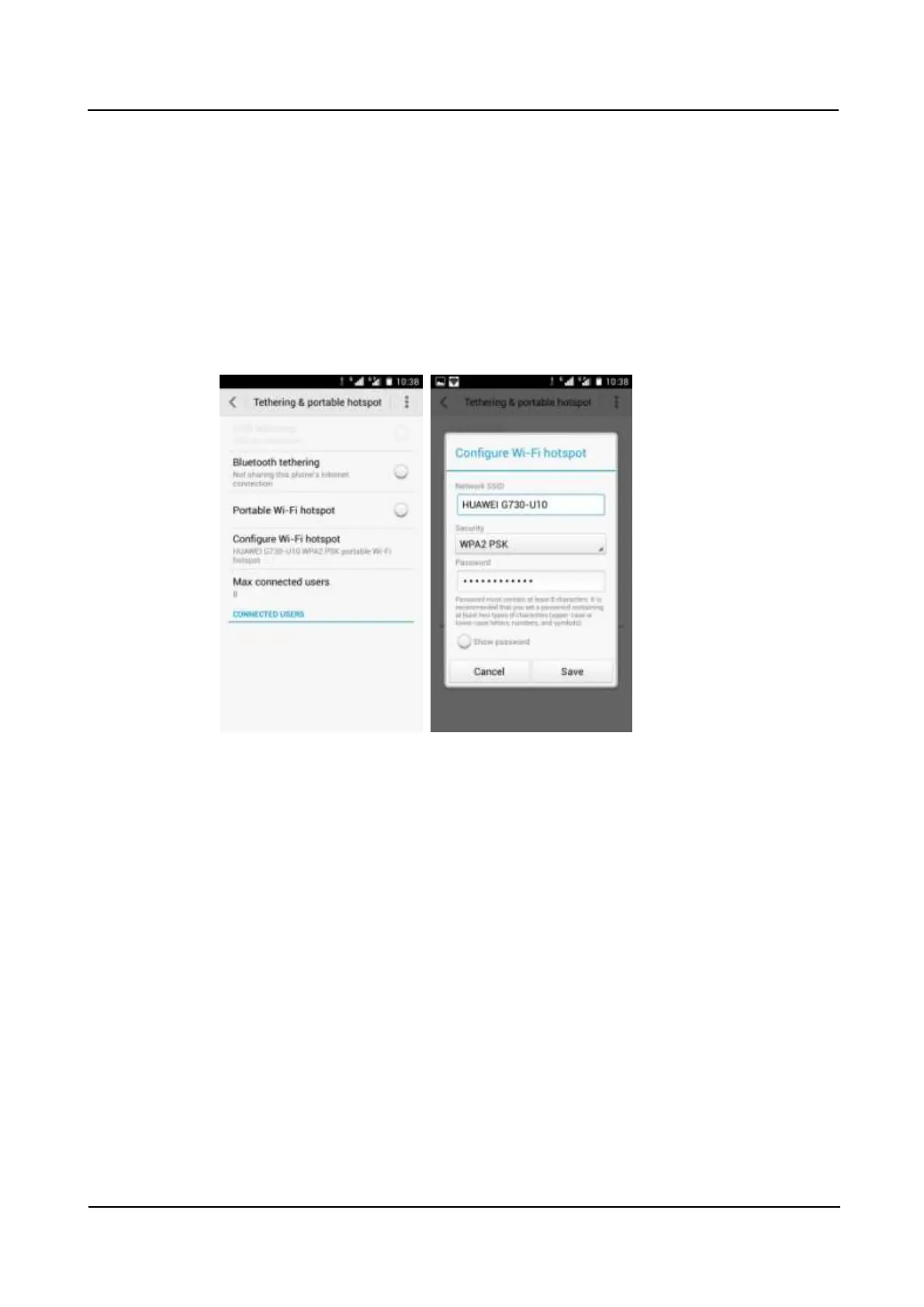
Go to Settings. Under WIRELESS & NETWORKS, touch More. Touch Tethering &
portable hotspot then Portable Wi-Fi hotspot.
After a device connects to your phone over Wi-Fi, you can access the Internet from that
device using your phone's mobile data connection.
To set the hotspot name and security parameters, touch Configure Wi-Fi hotspot.
2.4 How do I connect my phone to a Wi-Fi hotspot with a
static IP address to access the Internet?
Go to Settings. Under WIRELESS & NETWORKS, touch Wi-Fi. On the Wi-Fi screen,
touch the desired hotspot. In the displayed dialog box, select Show advanced options. Select
Static for IP settings. Enter the IP address (mostly 192.168.1.***), gateway address (mostly
192.168.1.1), subnet mask or network mask (255.255.255.0), and domain name (DNS
address).



 To Next Page