HUAWEI G730 Smartphone FAQs
Huawei Proprietary and Confidential
Copyright © Huawei Technologies Co., Ltd.
The Android system hides a part of the RAM for kernel running. Therefore, the
displayed RAM is smaller than the value in the specifications.
Comparison of the RAM with other phones:
HUAWEI G520T: 469 MB available
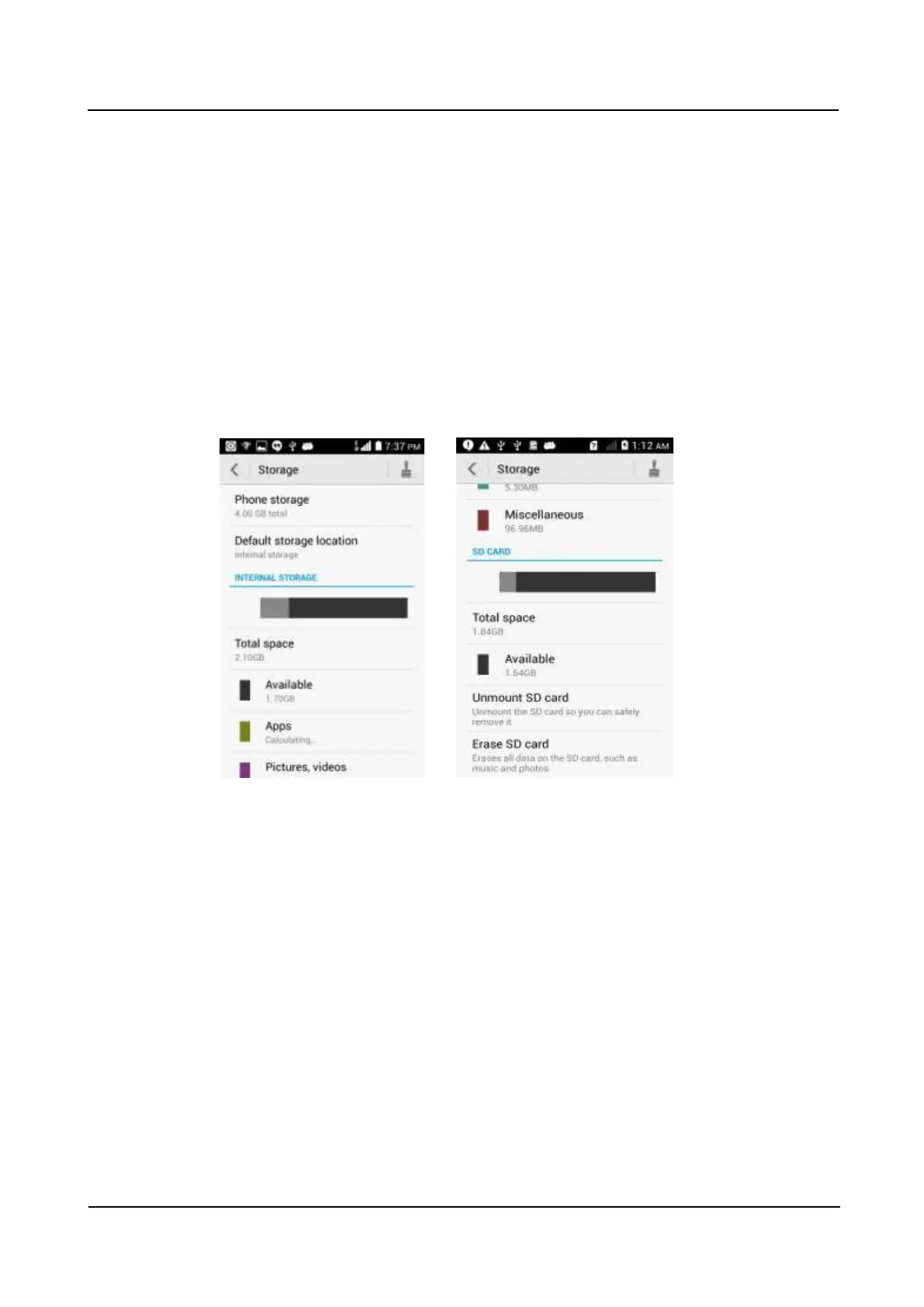
3.14 How do I check the available space in the internal
storage and microSD card?
Go to Settings and touch Storage. Under INTERNAL STORAGE, you can check the total
and available space in the internal storage. Under SD CARD, you can check the total and
available space in your microSD card.



 To Previous Page