HUAWEI G730 Smartphone FAQs
Huawei Proprietary and Confidential
Copyright © Huawei Technologies Co., Ltd.
2.11.3 Can I change the default installation location for
applications?
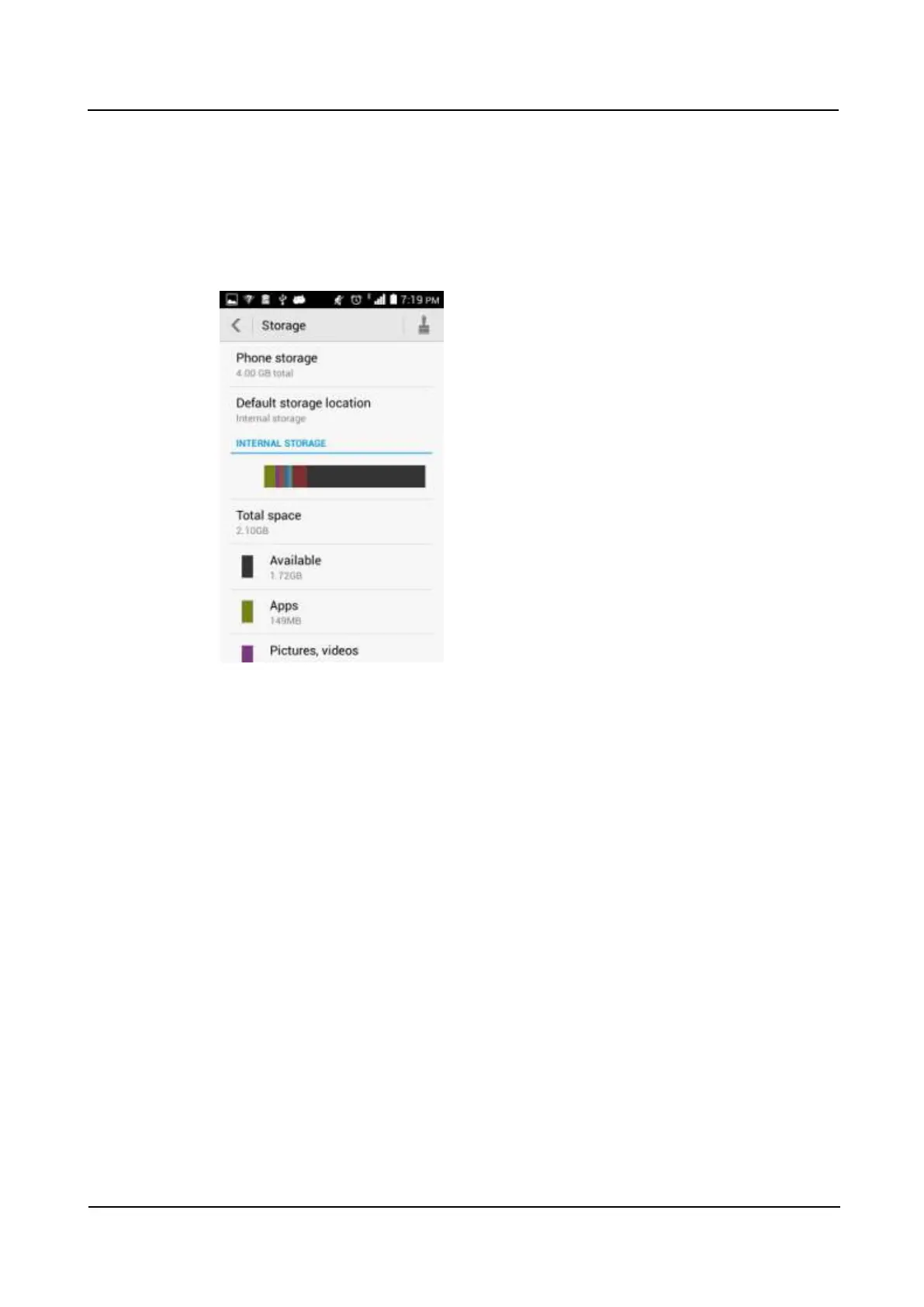
Yes. To change the default installation location for applications, go to Settings, and touch
All > Storage > Default storage location. If you have a microSD card installed on your
phone, the SD card option is available. Third-party applications will be installed to the default
storage location you have selected.
2.11.4 How do I install, manage, and uninstall applications?
You can download application installation packages to a computer, connect your phone to the
computer, and use HiSuite to install the applications. You can also download applications
from an application store and install them directly on your phone.
To check downloaded, running, and all applications, go to Settings and touch All >Manage
apps.



 To Next Page