17
Rev 1.0 9/21
Remote Playback
Remote Playback is not usable on the SimplTrack Lite.
Video Recording & Screenshot
You can record short videos and take screenshots using a secondary UVC recording software and save those files directly to your
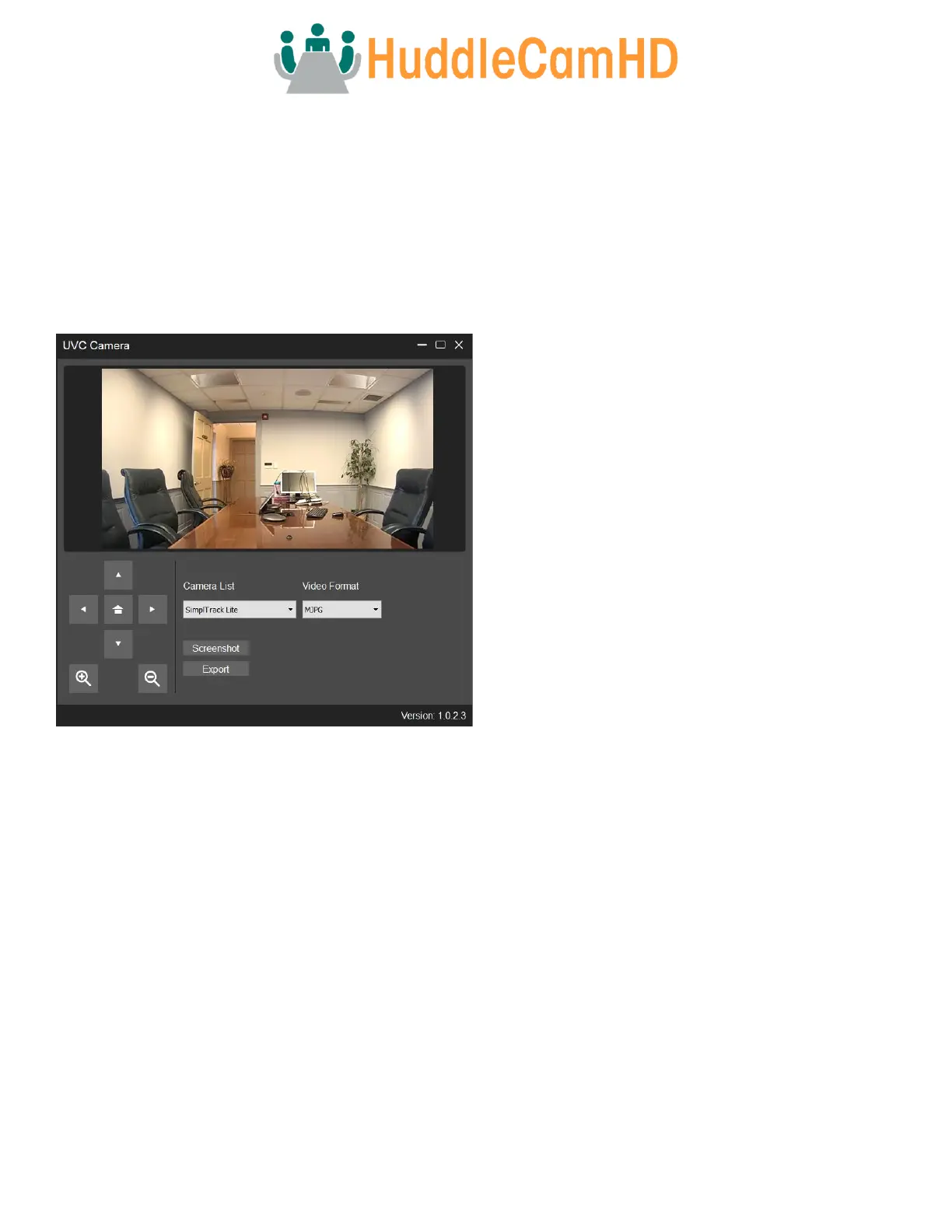
camera. To do so, connect the SimplTrack Lite to your PC, then open the UVC Camera SFX program.
To take a screenshot, click the “Screenshot” button. Once the screenshot is finished being taken, you’ll be greeted with a
“Screenshot Successful” notification.
To record a short video to the camera, click the “Export” button. Once the video is finished being recorded, a new File Explorer
window will open under a new “USB Drive” directory. This USB Drive is the camera’s memory. While accessing the camera’s
memory, you will be unable to use its video capabilities. To return the SimplTrack Lite to a usable state, power it off and back on.



 To Next Page