34
Rev 1.0 9/21
Mount Mode: Change mounting mode
Options include: Stand, Ceiling
Language: Change camera language
Options include: English, Chinese
Status
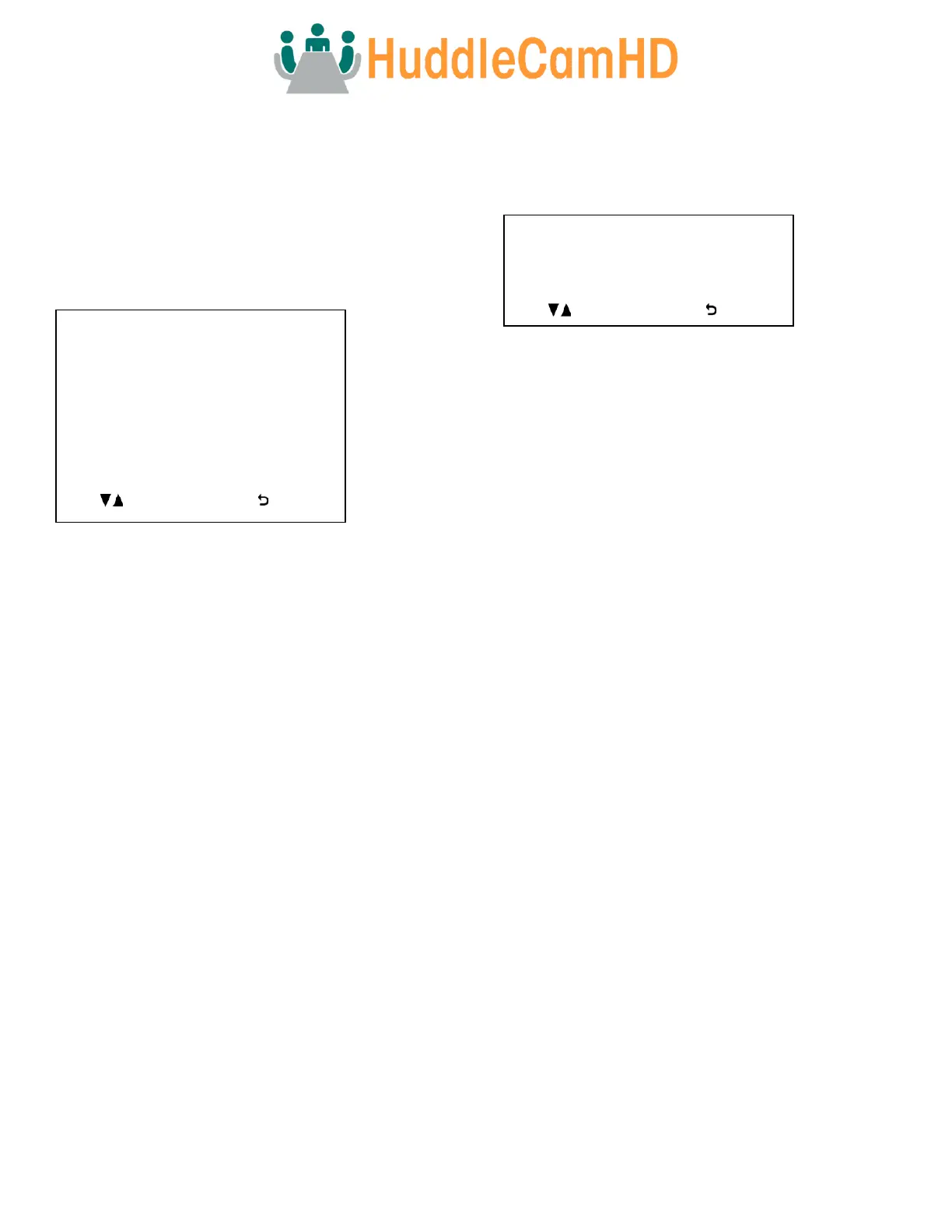
Move the cursor to the “Status” option and press the [Enter]
button to enter the Status page, as shown in the figure
below.
The Status tab shows the current settings of the camera.
You can not change the values in this tab.
Restore Default
Move the cursor to the “Restore Default” option and press
the [Enter] button to enter the Restore Default page, as
shown in the figure below.
Note: Press the [Enter] button to confirm. All camera
parameters will return to default, including IR remote & VISCA
addresses
Network Connection
1. Operating Environment
Operating System: Windows 2000 / 2003 / XP / Vista / 7 / 8.1 / 10, Mac Catalina and later
Network Protocol: TCP/IP
Client PC: P4 / 128M RAM / 40GHD / support for scaled graphics card, support for DirectX8.0 or more advanced version.
2. Equipment Installation
1. Connect the camera to your network via a CAT5 or CAT cable directly to your network switch.
2. Turn on the camera.
3. Once powered on, the orange network light will illuminate and the green light will start flashing.
3. Network Connection
Connect the camera & PC to the LAN as shown below.



 To Next Page