33
Rev 1.0 9/21
Bright: Camera Brightness value.
Options include: 0 ~ 27
(Only available in Bright mode).
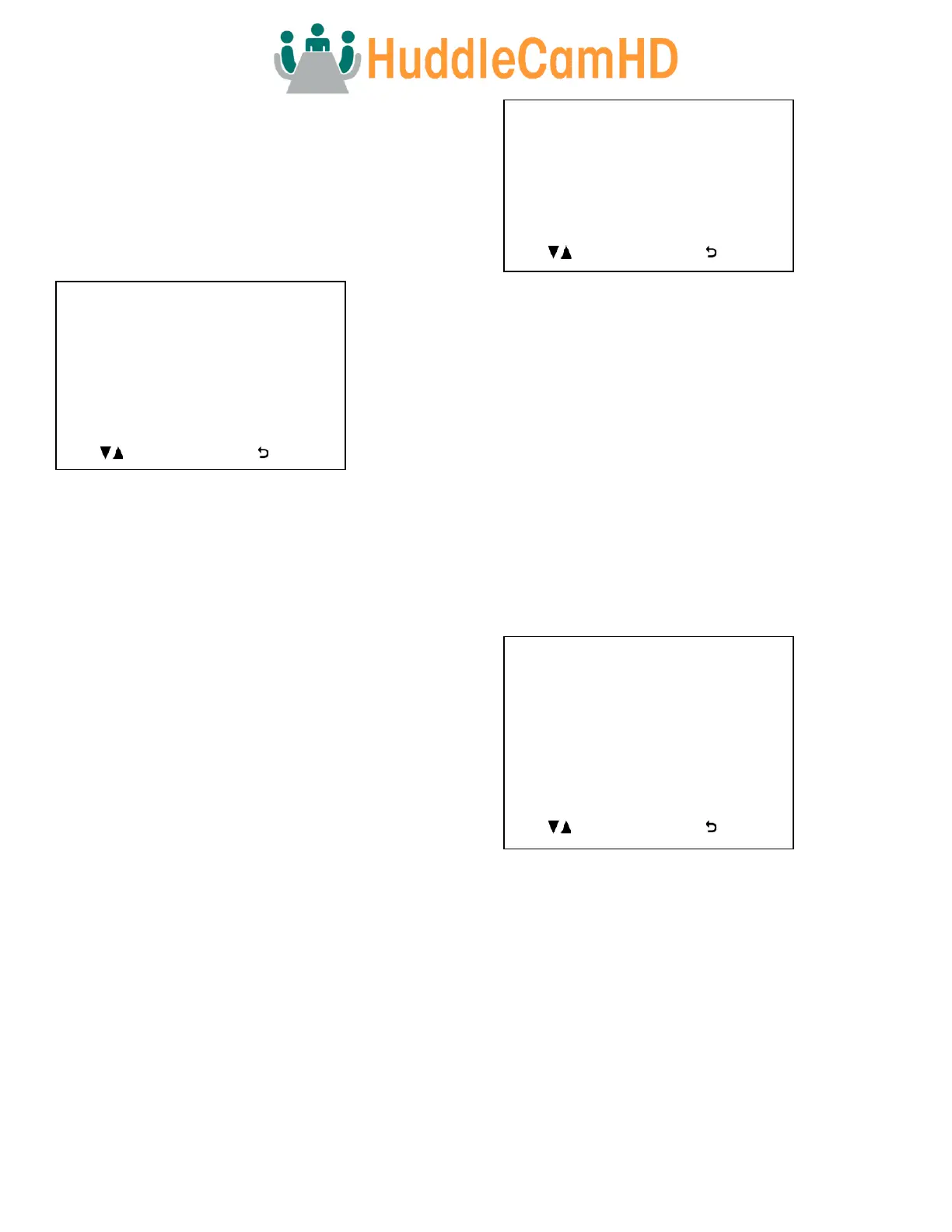
Color
Move the cursor to the “Color” option and press the [Enter]
button to enter the Color page, as shown in the figure
below.
WB Mode: Auto, ATW, OnePush, Indoor, Outdoor, Manual,
Sodium Lamp, & Fluo Lamp
R. Gain: Camera Red Gain value.
Options include: -7 ~ +7
(Only available in Auto, ATW, & Manual modes).
G. Gain: Camera Green Gain value.
Options include: -7 ~ +7
(Only available in Auto & ATW modes).
B. Gain: Camera Blue Gain value.
Options include: -7 ~ +7
(Only available in Auto, ATW, & Manual modes).
Saturation: Camera Saturation value.
Options include: 0 ~ 14
Hue: Camera Hue value.
Options include: 0 ~ 14
OnePush Trigger: OnePush trigger calculation
Options include: “Press OK”
(Only available in OnePush mode).
Pan Tilt Zoom
Move the cursor to the “Pan Tilt Zoom” option and press the
[Enter] button to enter the Pan Tilt Zoom page, as shown in
the figure below.
Pan/Tilt Speed: Pan / Tilt speed value.
Options include: 1 ~ 8
D-Zoom Limit: Digital Zoom Limit
Options include:X1 ~ X11
PTZ Trig AF: Enable auto focus when camera P/T/Z
Options include: On, Off
Ratio Speed: P/T speed relates to Zoom speed
Options include: On, Off
Power Up Act: Position the camera calls on power up
Options include: Home, Preset 1 ~ Preset 9
System
Move the cursor to the “System” option and press the
[Enter] button to enter the System page, as shown in the
figure below.
Address: Camera control address.
Options include: 1 ~ 7
Protocol: Camera control protocol.
Options include: VISCA, Pelco-D, Pelco-P
Baudrate: Camera control baudrate.
Options include: 2400, 4800, 9600, 38400
IR Address: Change camera IR address
Options include: 1 ~ 4
Video Format: Change camera resolution & framerate
Options include: 720p60, 720p50, 1080p60, 1080p50,
1080p30, 1080p25, 1080i60, 1080i50



 To Next Page