32
Rev 1.0 9/21
On Screen Display Menu
Main Menu
There are many ways to adjust the camera’s On Screen
Display (OSD) Menu. The following instructions will go over
the OSD Menu while using the included IR remote.
Press the [Menu] button to display the OSD Menu. Use the
arrow buttons to traverse the OSD menu, the [Enter] button
to make selections, and the [Return] button to go back a
sub menu.
Video
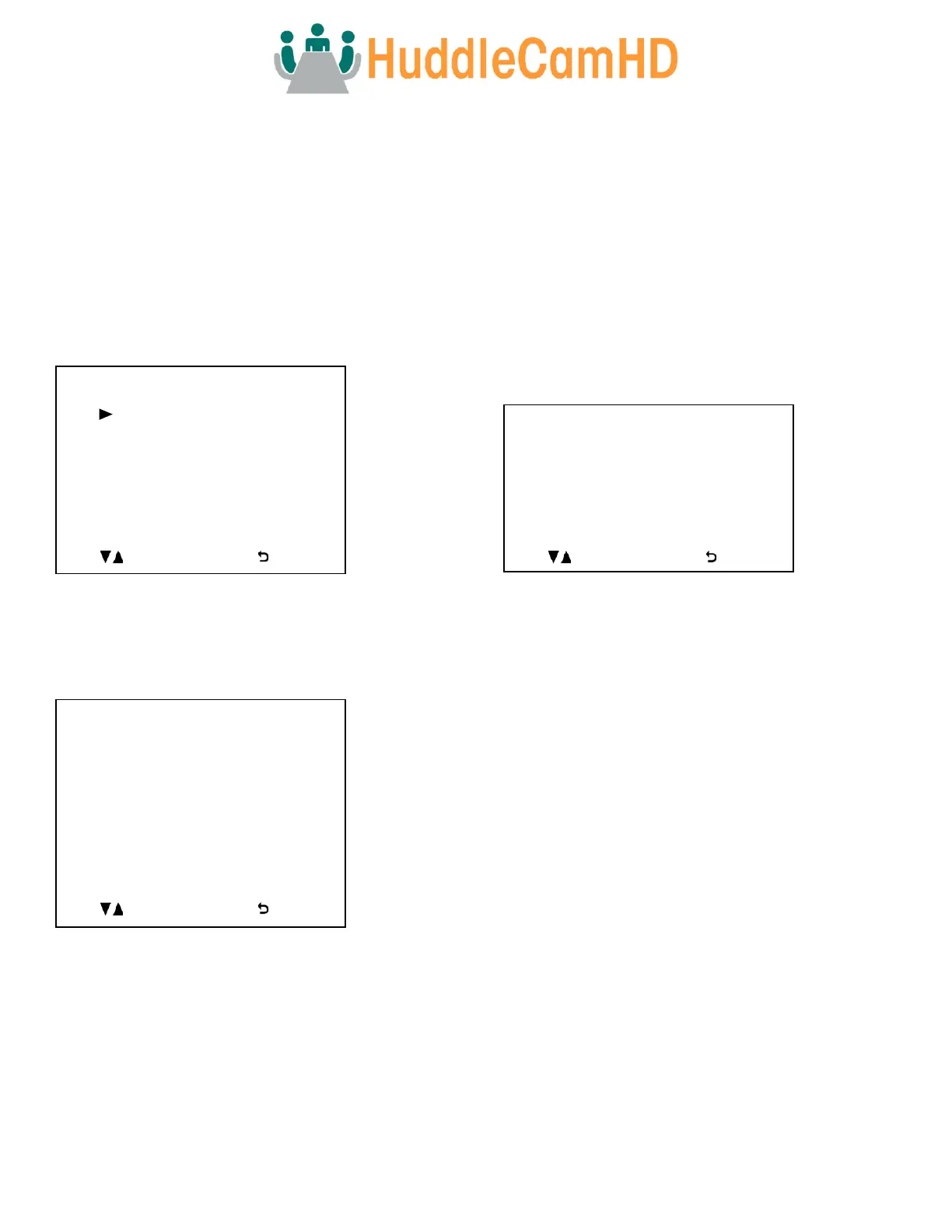
Move the cursor to the “Video” option and press the [Enter]
button to enter the Video page, as shown in the figure
below.
Image Mode: Reverse camera image horizontally.
Options include: Stand, Mirror
Sharpness: Adjust camera sharpness value.
Options include: 0 ~ 15
Brightness: Adjust camera brightness value.
Options include: 0 ~ 14
Contrast: Adjust camera contrast value.
Options include: 0 ~ 14
Gamma Mode: Adjust camera gamma value.
Options include: 0 ~ 4
2DNR: Adjust 2D noise reduction value.
Options include: Off, 1 ~ 5
3DNR: adjust 3D noise reduction value.
Options include: Off, 1 ~ 5
Wide Dynamic: Adjust wide dynamic range strength.
Options include: Off, 1 ~ 5
Exposure
Move the cursor to the “Exposure” option and press the
[Enter] button to enter the Exposure page, as shown in the
figure below.
(Exposure) Mode: Full Auto, Manual, Shutter Pri, Iris Pri, &
Bright Pri
Exp-Comp: Toggle Exposure Compensation.
Options include: On, Off
Level: Exposure Compensation level.
Options include: -7 ~ +7
(Only available when Exp-Comp is On).
BLC: Toggle Backlight Compensation.
Options include: On, Off
(Only available in Full Auto mode).
Anti-Flicker: Anti-Flicker (Lighting).
Options include: Off, 50Hz, 60Hz
(Only available in Full Auto, Iris Pri, & Bright Pri modes)
Gain: Maximum Gain limit.
Options include: 0 ~ 30
(Only available in Manual mode).
Speed: Camera Shutter speed.
Options include: 1/1, 1/2, 1/4, 1/8, 1/15, 1/30, 1/60, 1/90,
1/100, 1/125, 1/180, 1/250, 1/350, 1/500, 1/725, 1/1000,
1/1500, 1/2000, 1/3000, 1/4000, 1/6000, 1/10000
(Only available in Manual & Shutter Pri modes).
Iris: Camera Iris position.
Options include: 0 ~ 14
(Only available in Manual & Iris Pri modes).



 To Next Page