95
Accessories Menu Tab
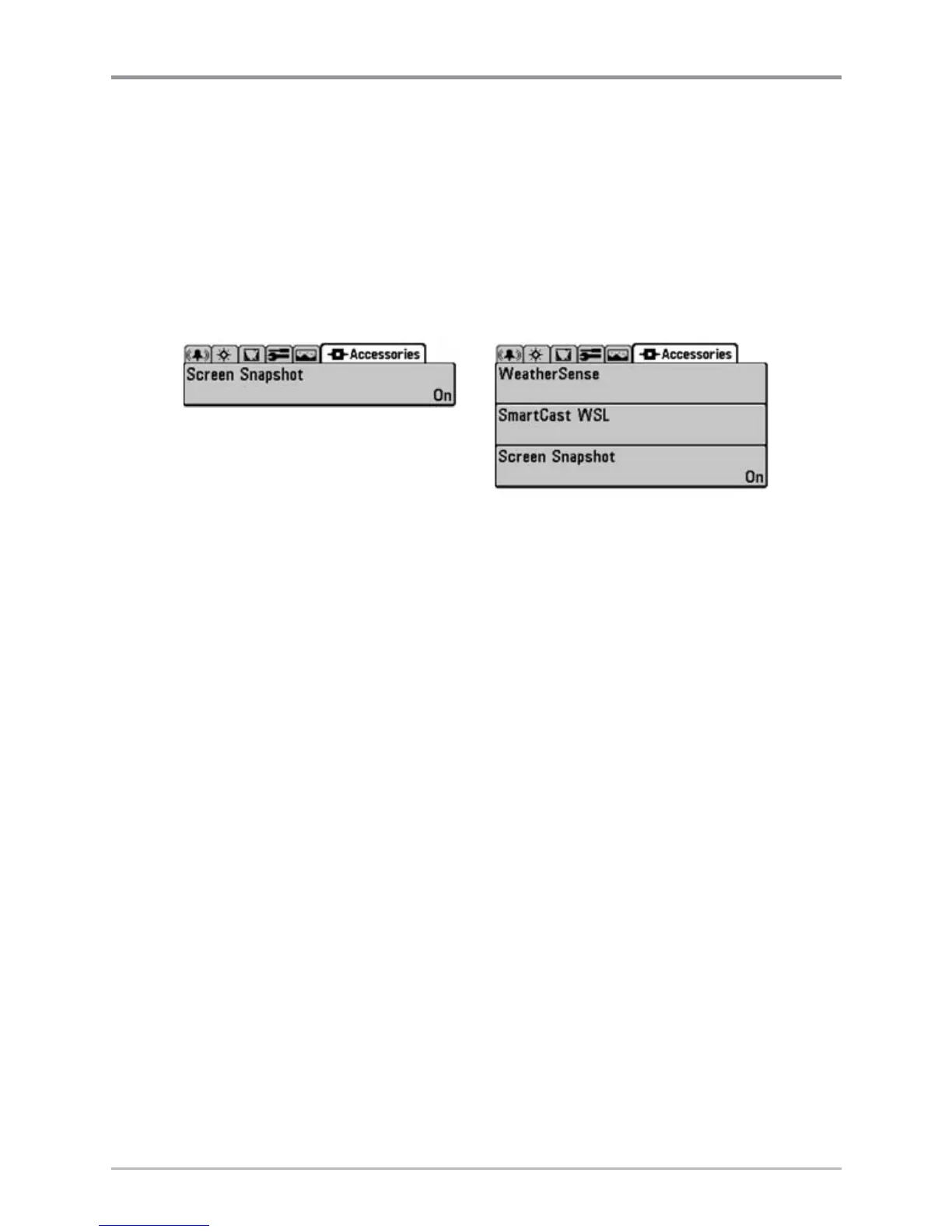
From any view, press the MENU key twice to access the tabbed Main Menu
System, then press the RIGHT cursor key until the Accessories tab is selected.
If no accessories are attached to the Accessory Bus, no accessory menu
choices will appear under the Accessories tab, only the Screen Snapshot menu
choice. If an accessory is attached, however, additional menu choices that
support the accessory will be added automatically. See the Operations Manual
that comes with your accessory for detailed information.
NOTE: Accessories to enable WeatherSense® and the SmartCast® Wireless Sonar Link require
separate purchases. You can visit our website at www.humminbird.com or contact our
Customer Resource Center at 1-800-633-1468 for additional details.
Accessories Menu Tab
(no accessories attached)
Accessories Menu Tab
(with accessories attached)














 To Next Page