89
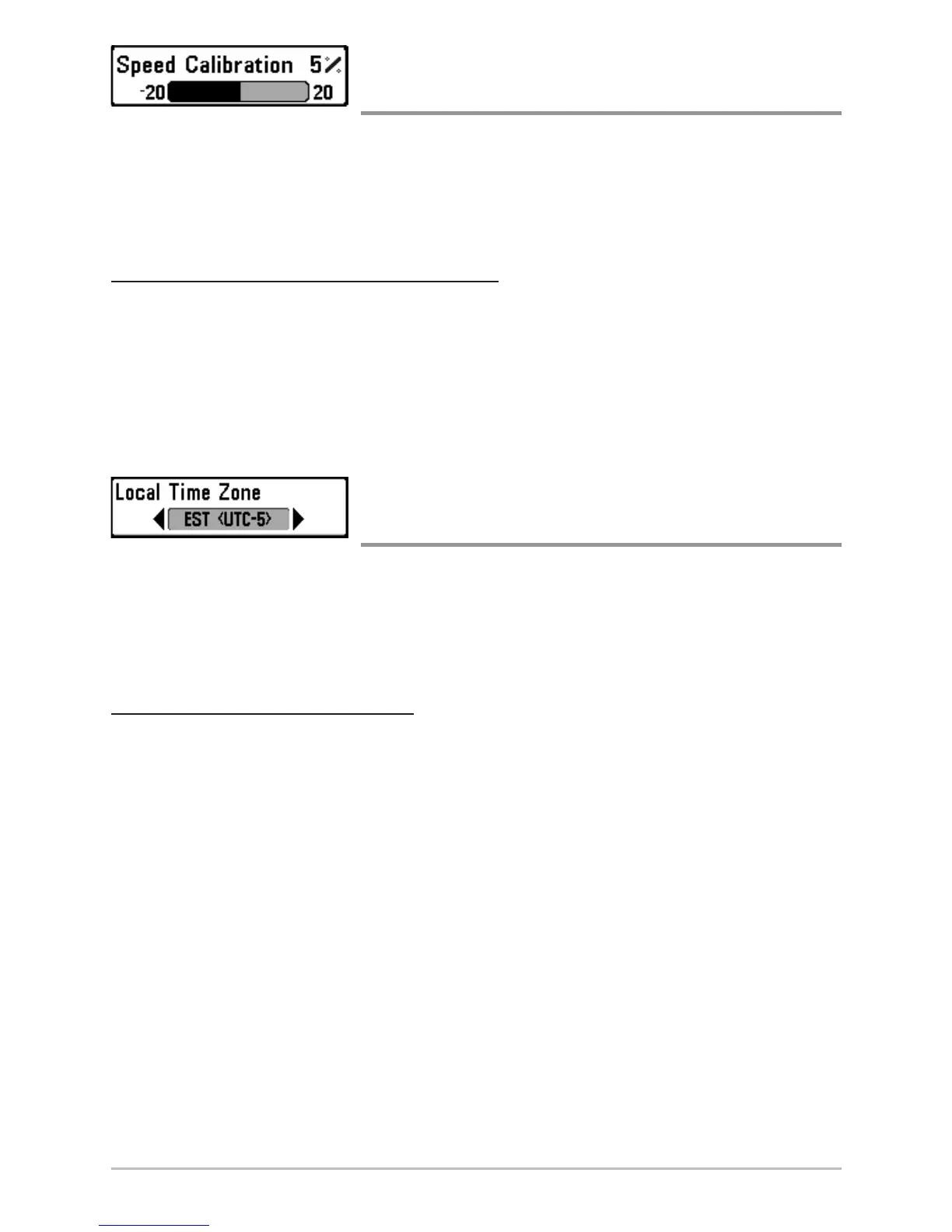
Speed Calibration
(Advanced, with Temp/Speed only)
Speed Calibration will adjust the speed readout by the percentage entered,
and will appear in the menu if a Temp/Speed Accessory is connected and the
paddlewheel has moved at least once, when the unit is in Advanced User Mode
(see Setup Menu Tab: User Mode.)
T
o change the Speed Calibration setting:
1. Make sure you are in Advanced User Mode, then highlight Speed
Calibration on the Setup menu.
2. Use the LEFT or RIGHT 4-WAY Cursor Control keys to change the Speed
Calibration setting. (-20% to +20%, Default = 0%)
Local Time Zone
(Advanced)
Local Time Zone selects your time zone in reference to the time reported by the
GPS receiver when Time+Date is selected as a Digital Readout (see Select
Readouts). This menu choice is available only when in Advanced User Mode
(see Setup Menu Tab: User Mode).
T
o change the Local Time Zone:
1. Make sure you are in Advanced User Mode, then highlight Local Time
Zone on the Setup menu.
2. Use the LEFT or RIGHT 4-WAY Cursor Control keys to change the Local
Time Zone (Default = EST [UTC-5] - Eastern Standard Time).














 To Next Page