67
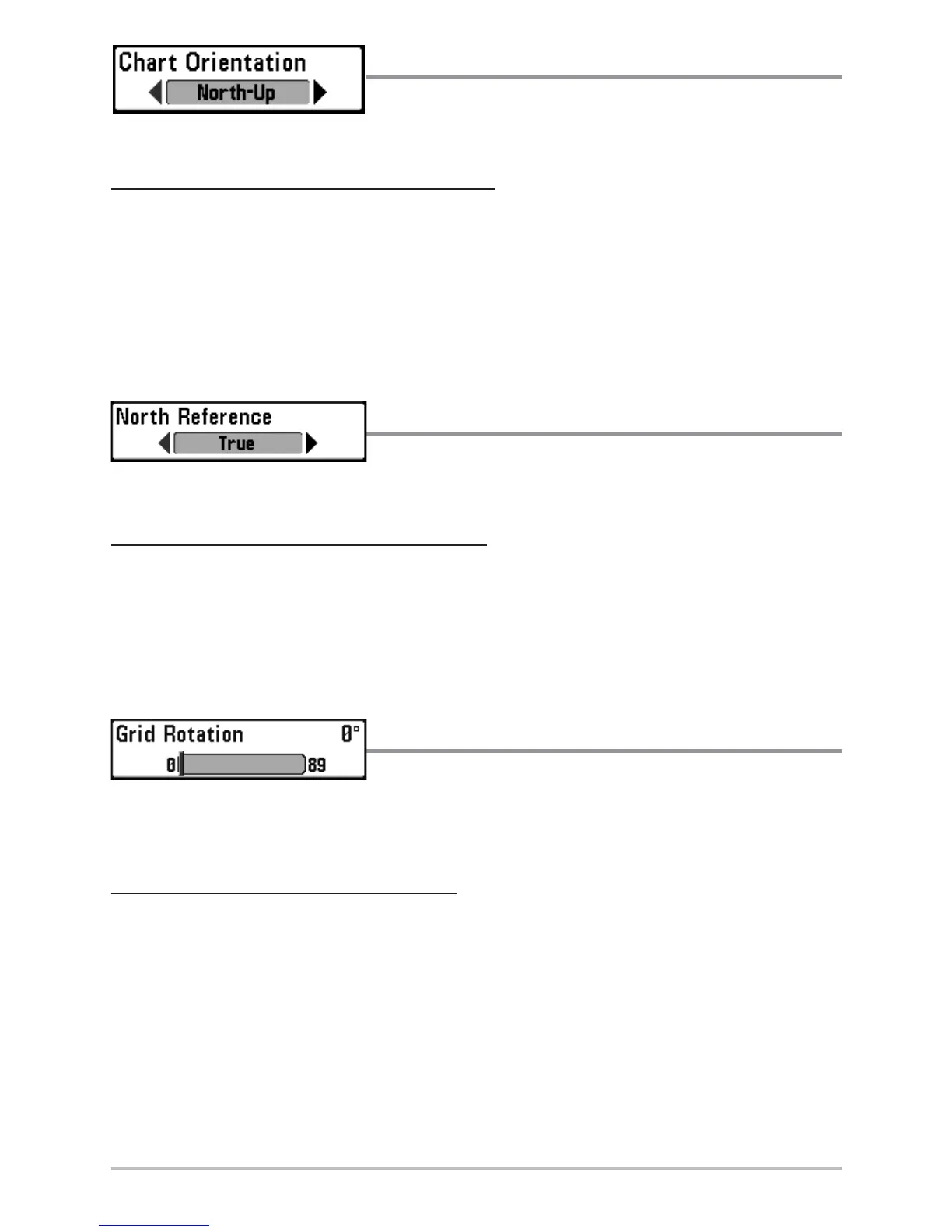
Chart Orientation
Chart Orientation allows you to select whether
the Chart Views should be drawn North-Up or Course-Up.
T
o change the Chart Orientation setting:
1. Highlight Chart Orientation on the Navigation main menu.
2. Use the LEFT or RIGHT 4-WAY Cursor Control keys to change the Chart
Orientation setting. (North-Up, Course-Up, Default = North-Up)
NOTE: The Chart Orientation setting does not apply to the Bird's Eye View.
North Reference
North Reference allows you to have bearings
displayed with one of two orientations: True North or Magnetic North.
T
o change the North Reference setting:
1. Highlight North Reference on the Navigation main menu.
2. Use the LEFT or RIGHT 4-WAY Cursor Control keys to change the North
Reference setting. (True, Magnetic, Default = True)
Grid Rotation
Grid Rotation allows you to set the orientation of
the trolling grid in degrees, where a setting of 0° displays a standard North, South,
East, West alignment. See Waypoints for information on how to set a Grid.
T
o change the Grid Rotation setting:
1. Highlight Grid Rotation on the Navigation main menu.
2. Use the LEFT or RIGHT 4-WAY Cursor Control keys to change the Grid
Rotation setting. (0° to 89°, Default = 0°)
NOTE: This feature may appear as either Trolling Grid Rotation or Grid Rotation, depending on
your model.














 To Next Page