78
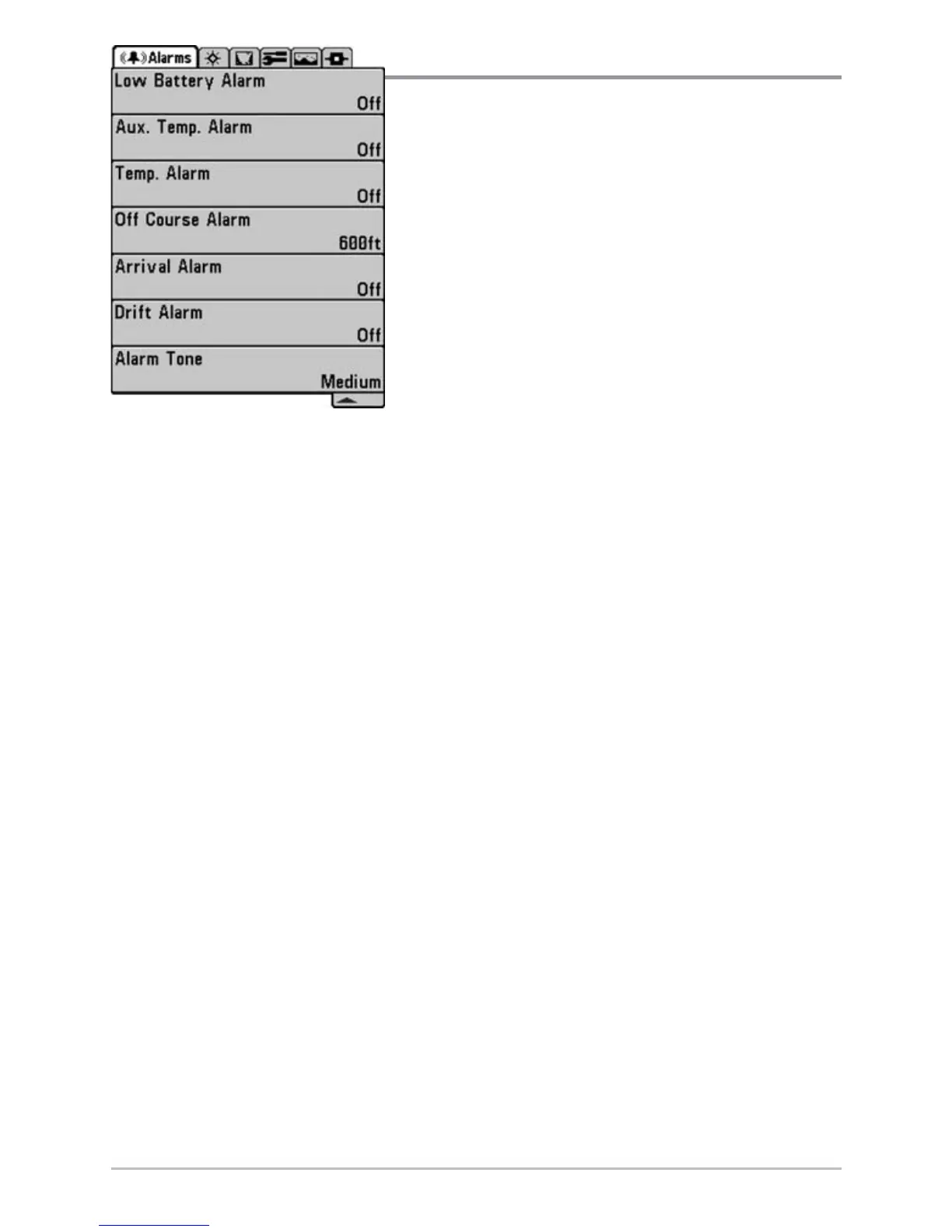
Alarms Menu Tab
From any view, press the MENU key twice to
access the Main Menu System. The Alarms tab
will be the default selection.
NOTE: When an alarm is triggered, you can silence it by
pressing any key. The alarm will be silenced, and will not
be triggered again until a new instance of the alarm
condition is detected.
Alarms Menu














 To Next Page