63
Current Track
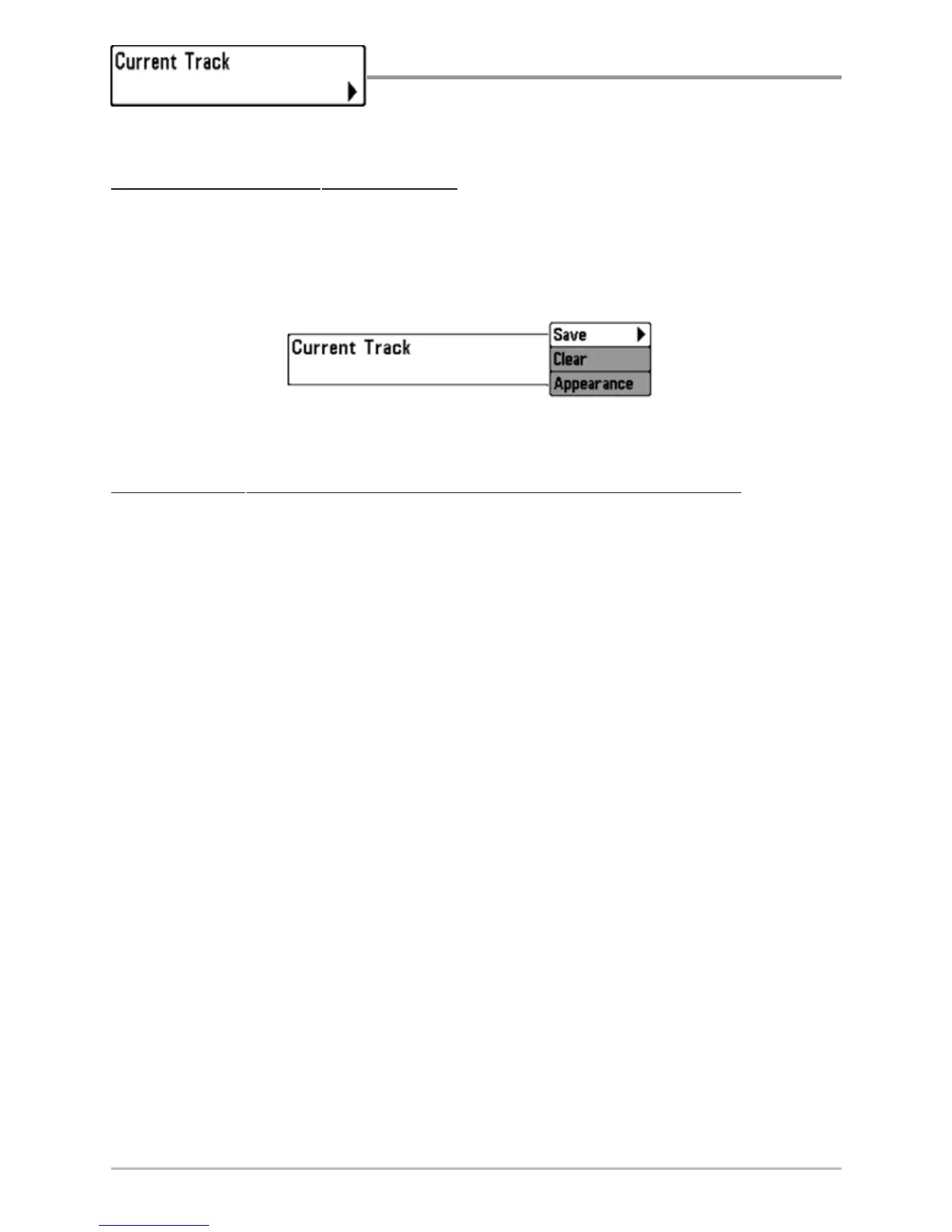
Current Track allows you to view the Current
Track submenu.
T
o view the Current Track Submenu:
1. Highlight Current Track on the Navigation main menu.
2. Use the RIGHT 4-WAY Cursor Control keys to view the Current Track
submenu.
T
he Current Track Submenu contains the following menu choices:
Save Current Track allows you to save the current track.
Clear Current Track allows you to clear the current track.
Appearance allows you to change the style and color of the current track.
(Breadcrumb Trail, Dashed Line, Solid Line or Wide Line, and if a line, the color of
the line, or Color By Depth. If you choose Color By Depth, you cannot choose one
color to represent the track; a color range will represent the different depths on
the track instead, from light green (shallowest) to black (deepest). You can change
the depth range associated with black by using Track Color Range menu setting
(see Navigation Main Menu: Track Color Range).
Current Track Submenu














 To Next Page