34
Powering Up the Unit
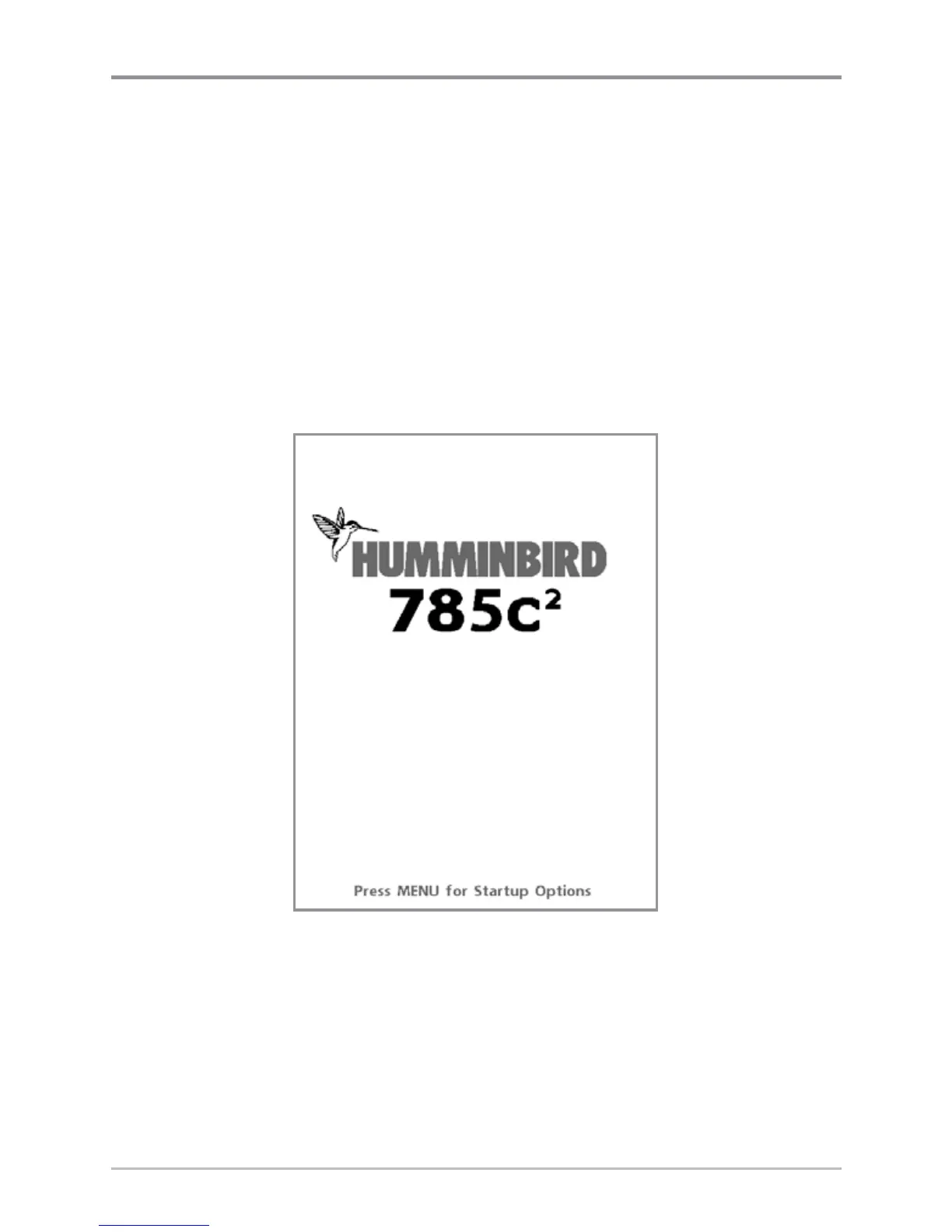
Turn on your Chartplotter by pressing the POWER/LIGHT key. The Title screen
is displayed until the Chartplotter begins operation. After the Title screen is
displayed, a 30 second Navigation Warning screen is shown. Press the MENU
key during the time that the Title screen is displayed to view the Start-Up Menu
in order to choose Simulator mode. Press the EXIT key during the Navigation
Warning to enter into Normal mode. If you don't press any key during the
Navigation Warning, and Demonstration is turned on, your Chartplotter
automatically goes into Demonstration Mode. You can turn off Demonstration
Mode if desired (see Setup Menu: Demonstration).
785c
2
Title Screen














 To Next Page