50
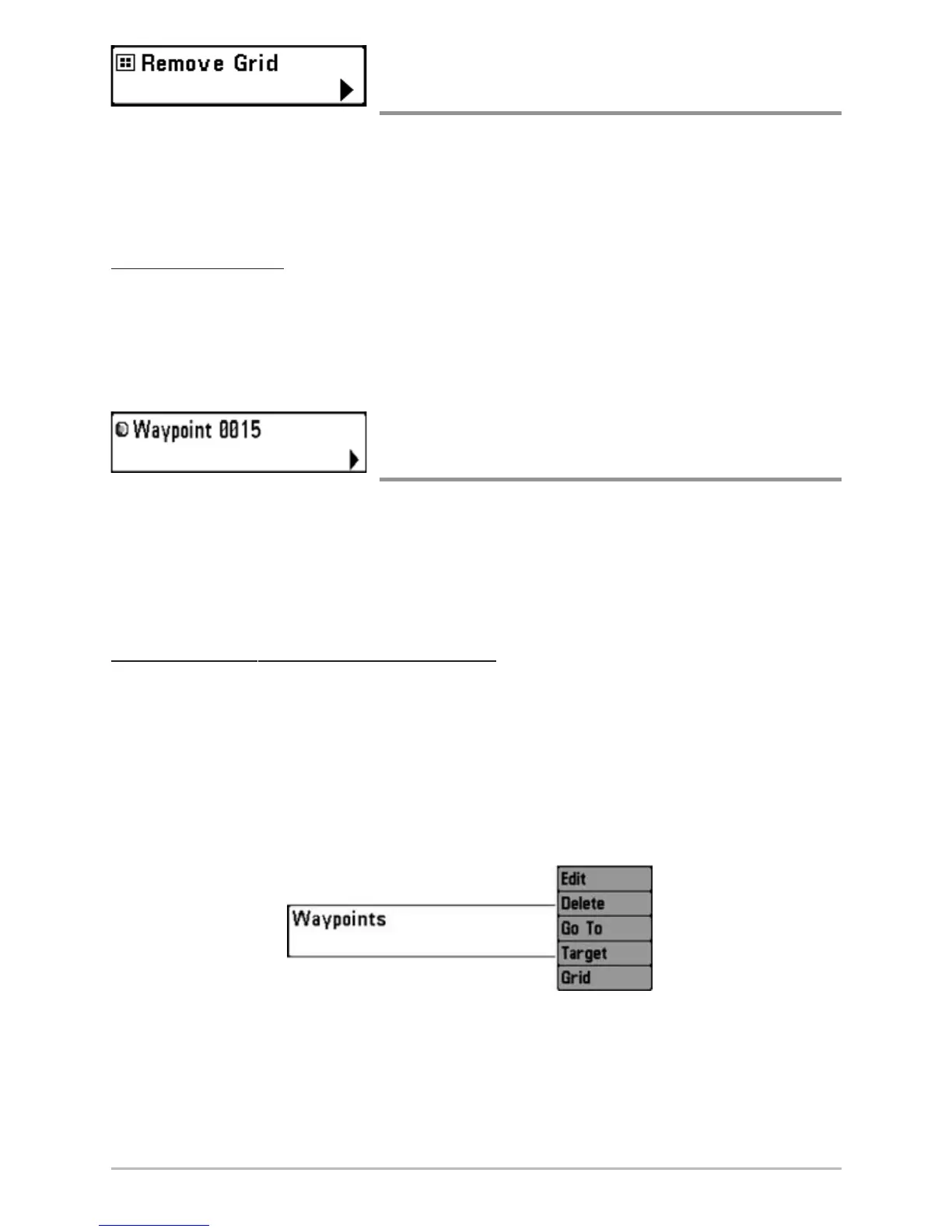
Remove Grid
(only if a Grid is Active)
Remove Grid removes the waypoint grid from the display. This menu choice will
only appear when a grid has already been applied to a waypoint.
NOTE: See Add a Waypoint Target or Trolling Grid for more information.
To Remove a Grid:
1. Highlight Remove Grid on the Navigation X-Press™ menu.
2. Use the RIGHT 4-WAY Cursor Control key to remove the grid.
Waypoint [Name]
(Most recently-created waypoint)
Waypoint [Name] allows you to view the waypoints submenu for the most
recently created waypoint.
NOTE: You must have pressed the MARK key at least once since you last powered up the
Chartplotter for this menu choice to appear.
To vie
w the Waypoint [Name] Submenu:
1. Move the cursor to the desired position and press the MARK key once
to save a waypoint.
2. Highlight Waypoint[Name] on the Navigation X-Press™ menu.
3. Use the RIGHT 4-Way Cursor Control key to view the Waypoints
submenu.
Waypoint [Name] Submenu














 To Next Page