88
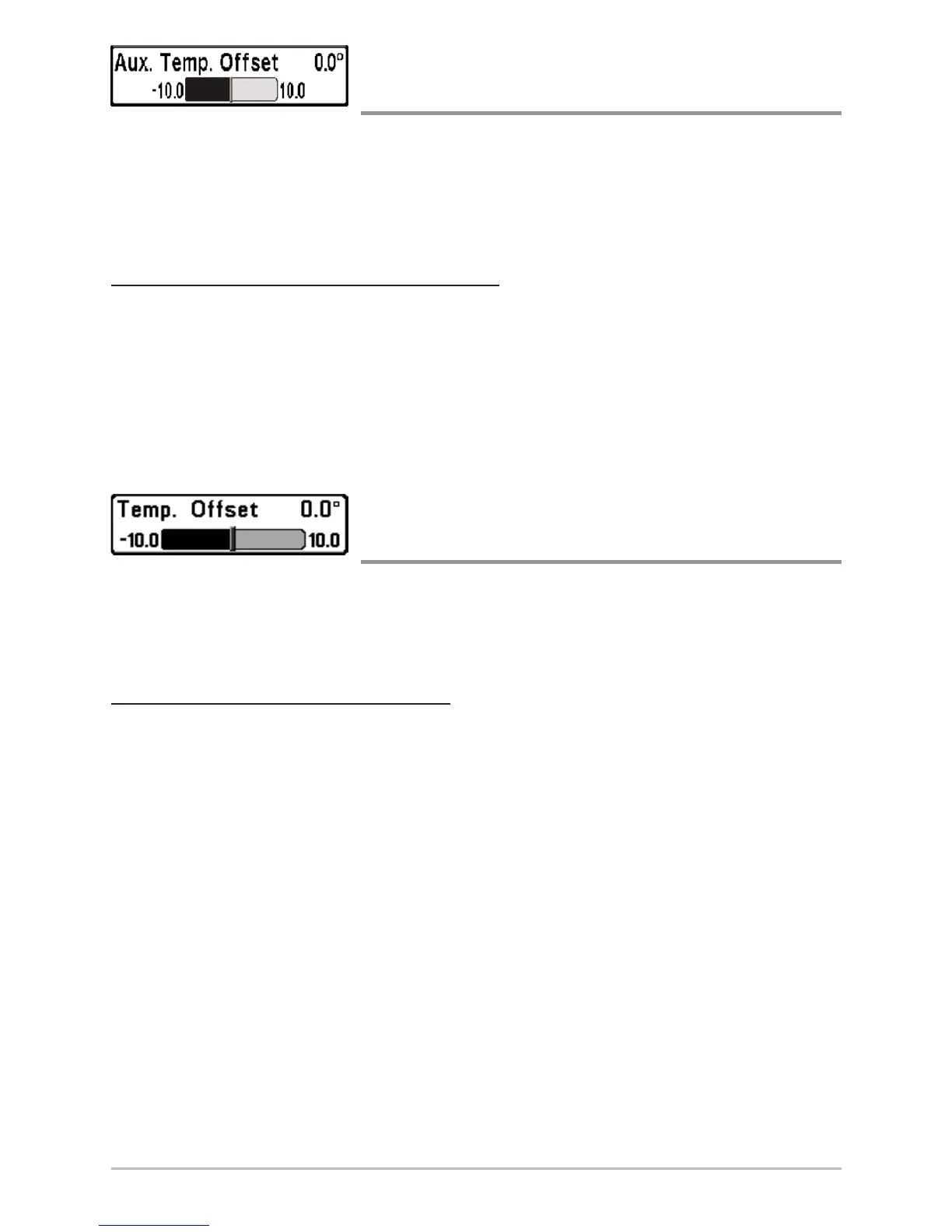
Aux. Temp. Offset
(Advanced)
Aux. Temp. Offset will adjust the aux. temperature readout (the temperature on
the optional-purchase temperature probe or Temp/Speed accessory) by the
amount entered. This menu choice is available only when in Advanced User
Mode (see Setup Menu Tab: User Mode.)
T
o change the Aux. Temp. Offset setting:
1. Make sure you are in Advanced User Mode, then highlight Aux. Temp.
Offset on the Setup menu.
2. Use the LEFT or RIGHT 4-WAY Cursor Control keys to change the Aux.
Temp. Offset setting. (-10.0 to +10.0 degrees, Default = 0)
Temp. Offset
(Advanced)
Temp. Offset will adjust the temperature readout by the amount entered. This
menu choice is available only when in Advanced User Mode (see Setup Menu
Tab: User Mode.)
T
o change the Temp. Offset setting:
1. Make sure you are in Advanced User Mode, then highlight Temp.
Offset on the Setup menu.
2. Use the LEFT or RIGHT 4-WAY Cursor Control keys to change the Temp.
Offset setting. (-10.0 to +10.0 degrees, Default = 0)














 To Next Page